Add words on top of Purity's built-in rules, for example a word you never want used, or a product name the checker would otherwise catch.
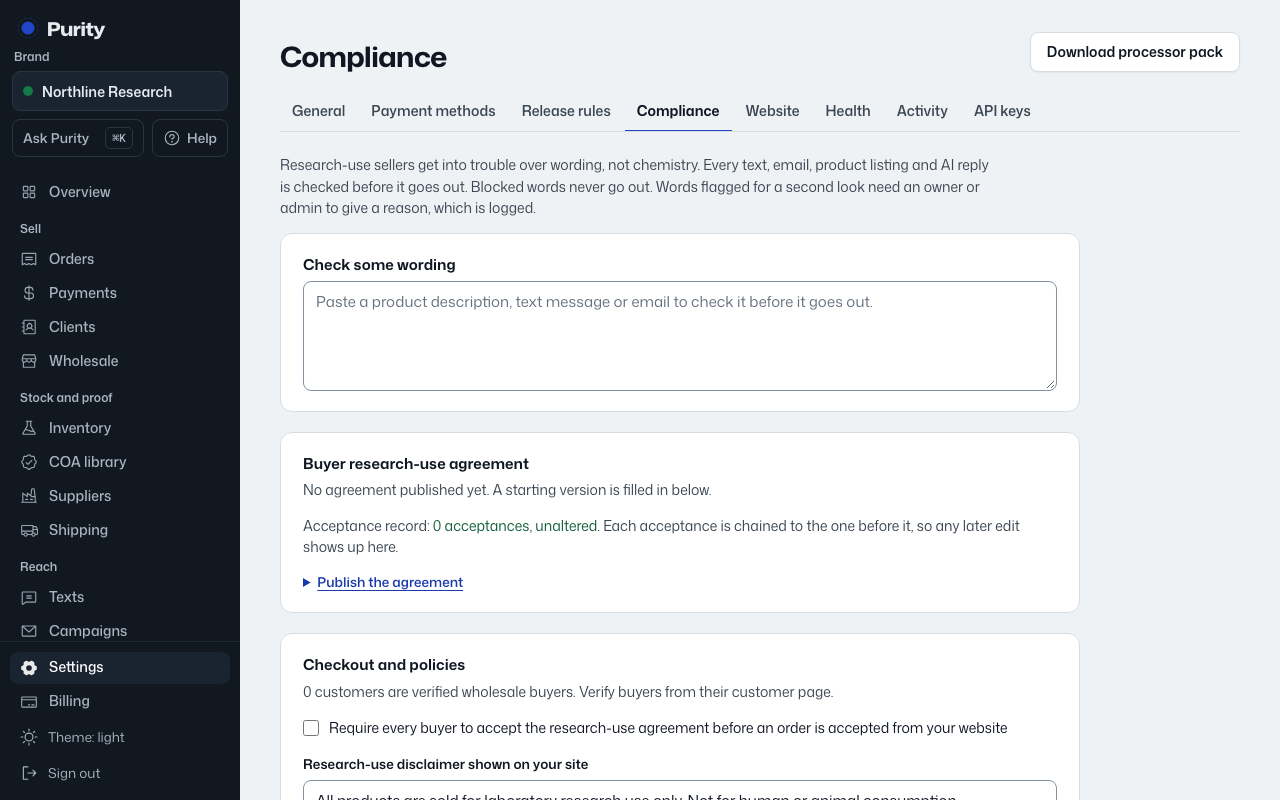
- Open Compliance and scroll to "Your own wording rules."
- Enter the word or phrase, pick a rule ("Block it", "Flag for a second look", or "Always allow it"), and optionally say why.
- Click "Add rule".
- Click "Remove" next to a rule to take it off.