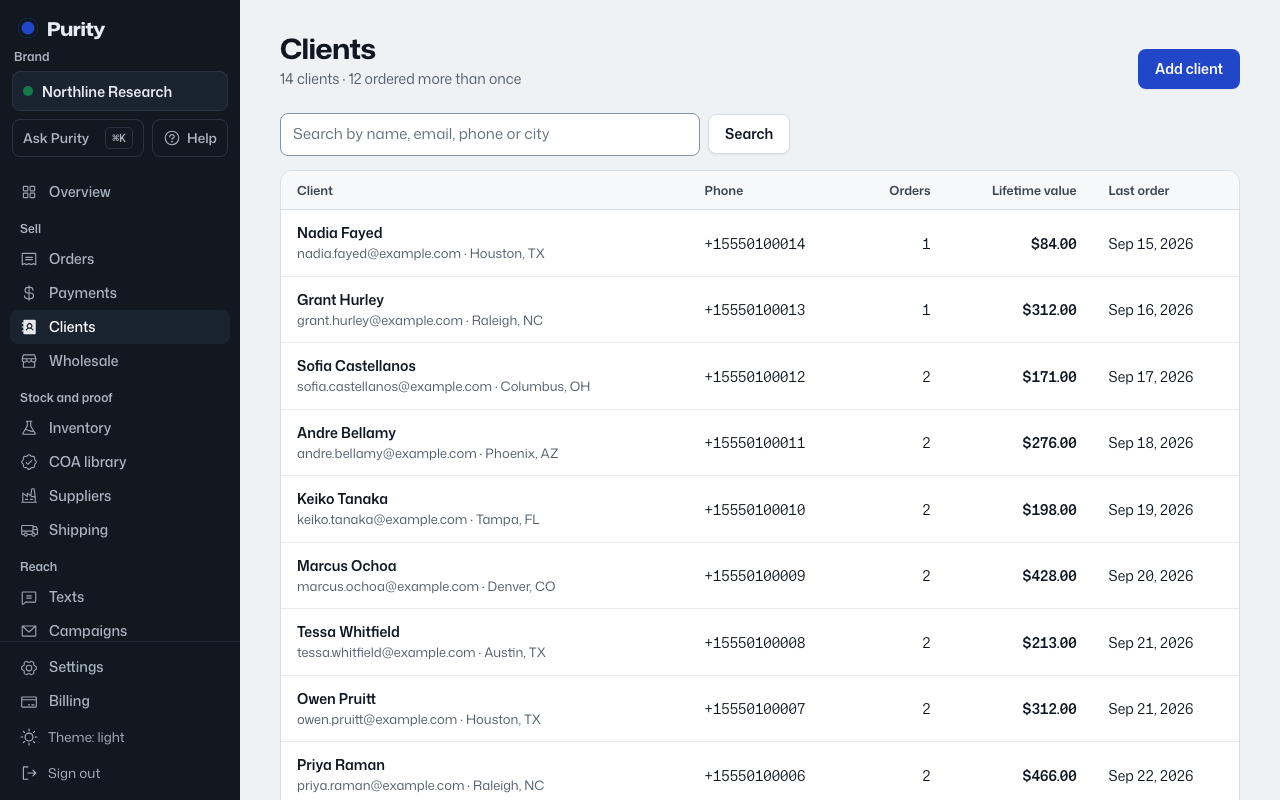
Add a client by hand, or let one get created automatically when they order through your shop or website.
- Open Clients and click "Add client".
- Enter their first and last name.
- Add an email and mobile phone if you have them.
- Add a shipping address if you have one.
- Add internal notes; only your team sees these.
- Click "Add client".