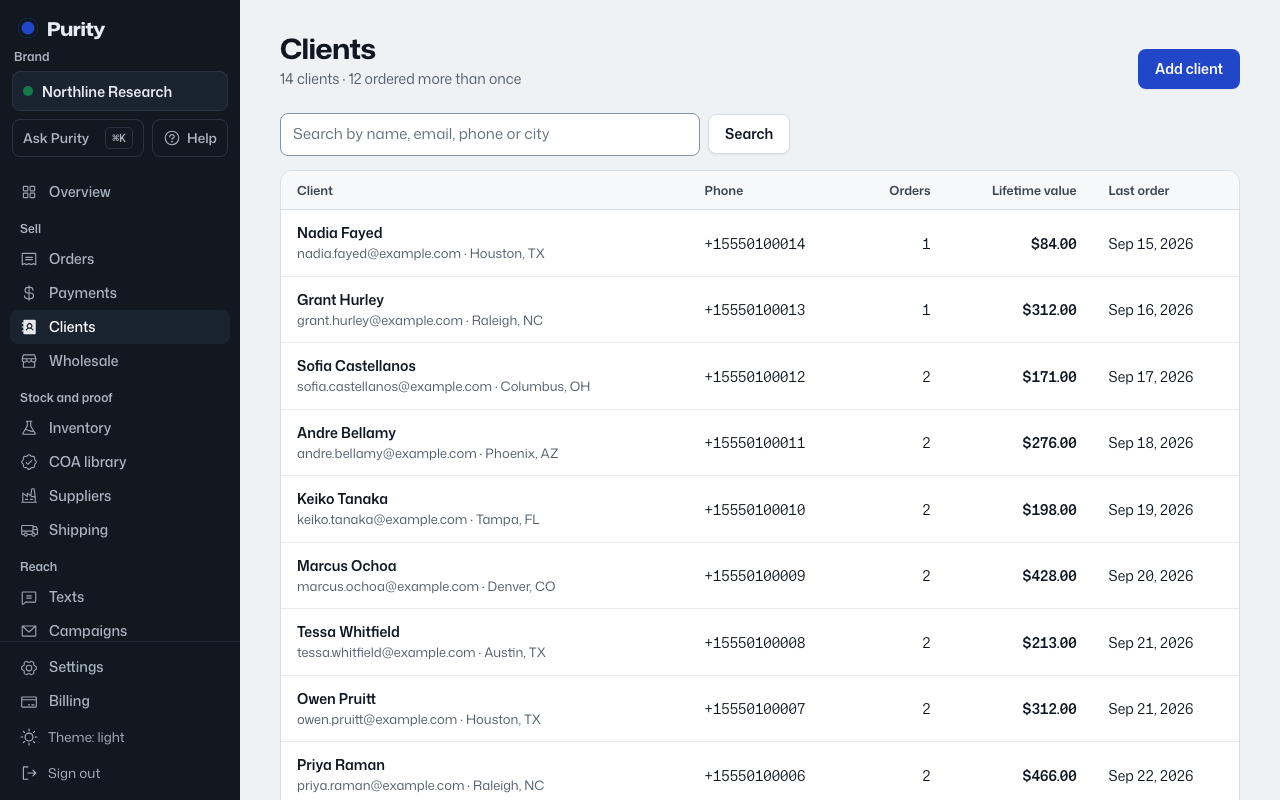
A client’s page shows two things tied to trust: whether they are a verified wholesale buyer, and their research-use agreement.
- Open the client and find "Wholesale buyer".
- Click "Verify this buyer".
- Enter the business or institution name, and a license number or EIN if you have one.
- Note what you checked.
- Click "Mark verified".
A verified buyer shows "Verified wholesale buyer" on their page. Remove it any time with "Remove verification". Under "Research-use agreement", Purity lists every version they have accepted and when; it says "Not accepted yet" if they have not.