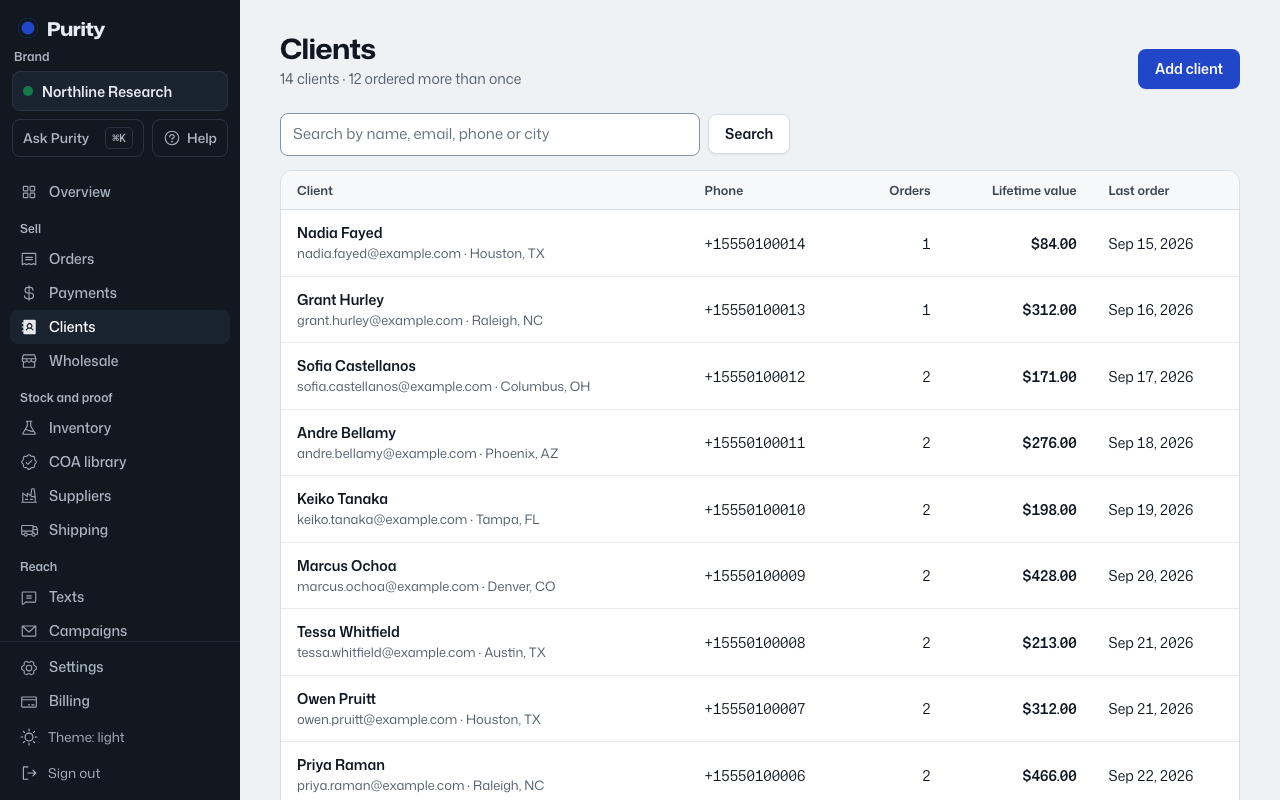
- Open the client from Clients.
- Click "Edit" at the top.
- Change any field. Clearing a box removes that detail.
- Click "Save changes".
Changing a phone number does not move old text conversations; new texts go to the new number.
Change a client's name, contact details, shipping address or notes.
Changing a phone number does not move old text conversations; new texts go to the new number.