Deleting a client does not erase their record; it hides it, and can be undone.
- Open the client and click "Delete client".
- Click it again to confirm, "Tap again to delete".
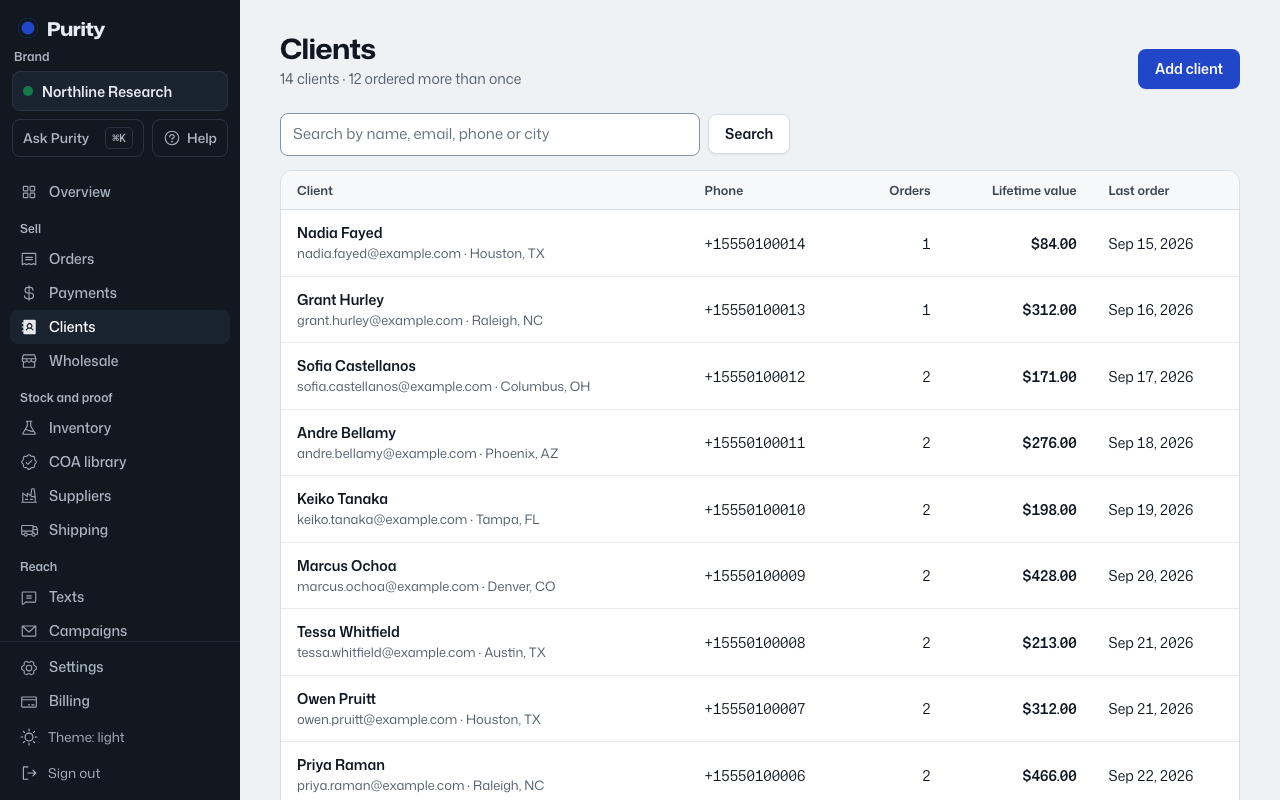
You land back on the client list with an "Undo" option right away. Later, restore a deleted client by opening their page directly and clicking "Restore client", or from Settings, then Activity.