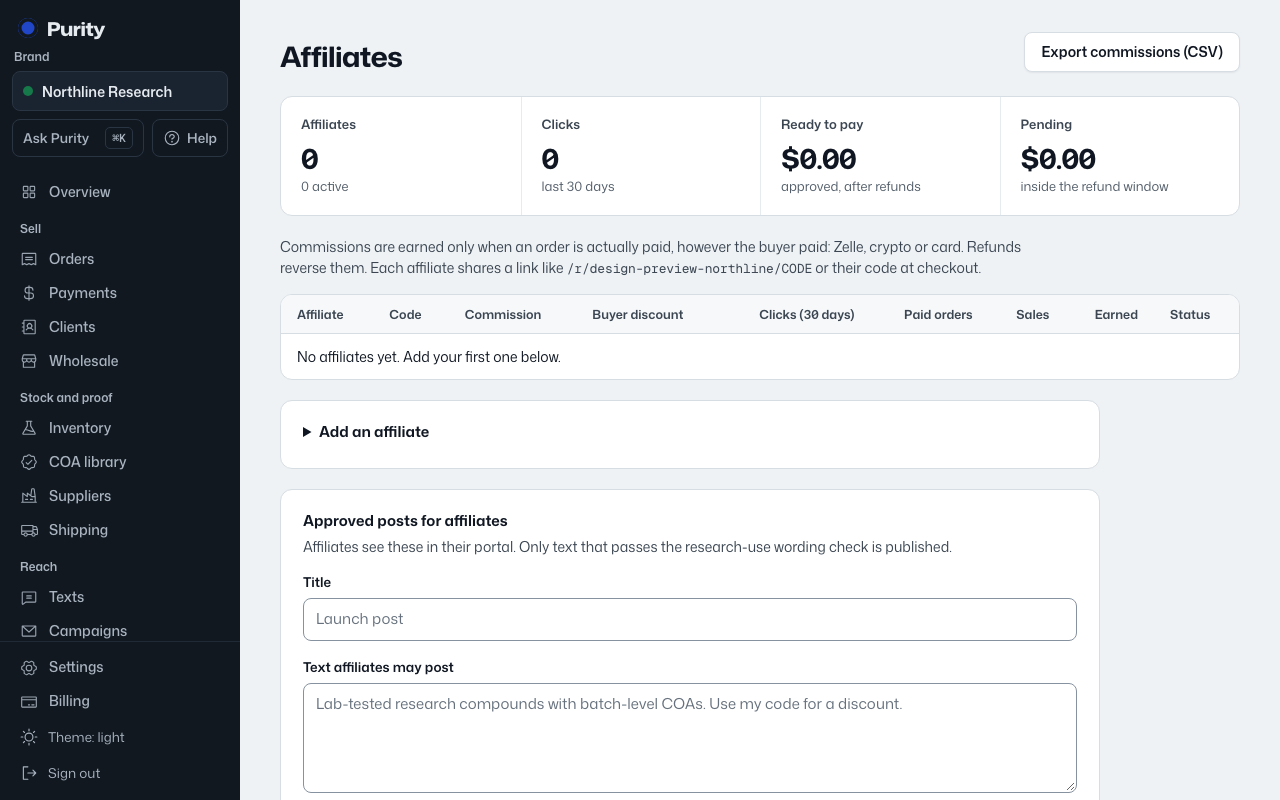
Open Affiliates and open "Add an affiliate".
- Enter their name and email. The email is also how they sign in to their affiliate portal.
- Enter a "Referral code": 2 to 32 letters, numbers, dashes or underscores, like ANN20.
- Choose "Commission": a percent of each paid order, or a flat amount per paid order, and set the rate.
- Optionally set a "Buyer discount with this code (%)" so their code also discounts the buyer’s order.
- Choose "Pay them by" and where to send payouts: email, phone, @username or wallet.
- Click "Add affiliate".
New affiliates start active. Commission and discount rates are limited to 0 to 50 percent.