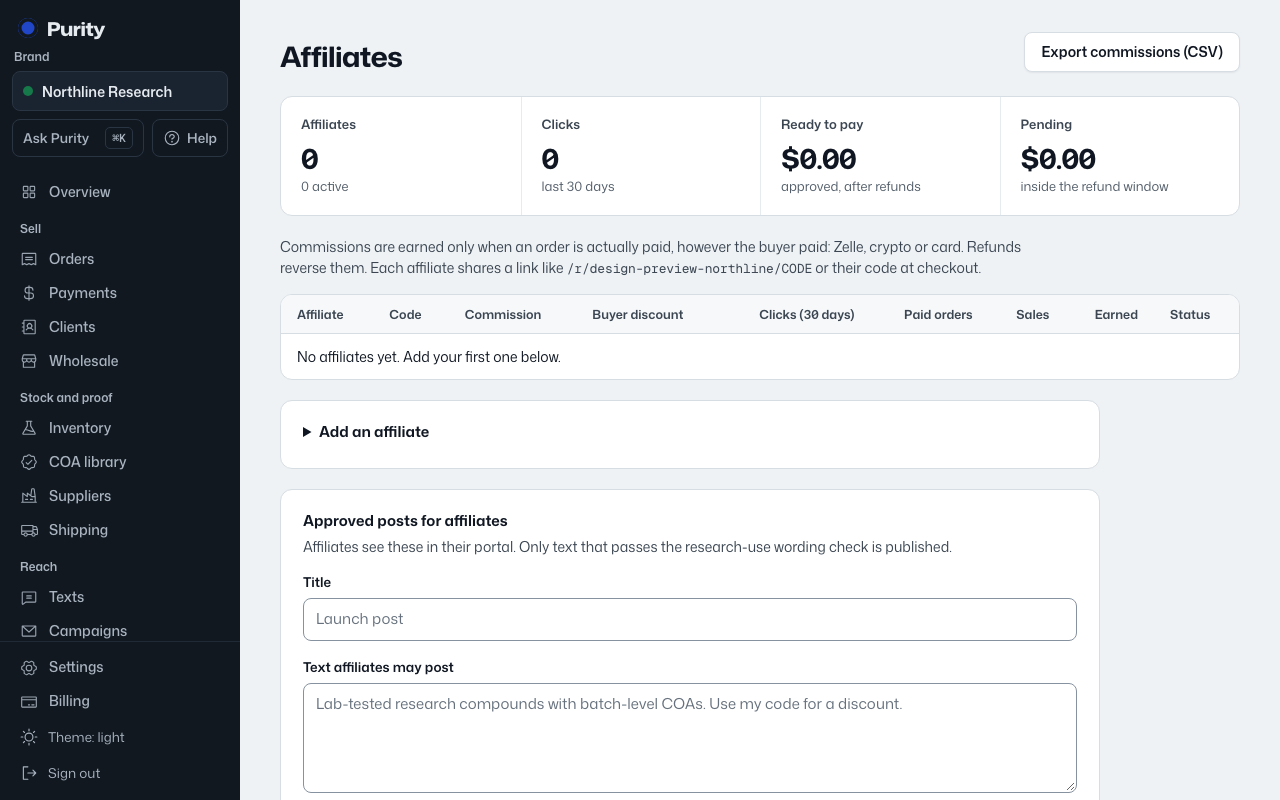
Open Affiliates and find "Approved posts for affiliates".
- Enter a "Title".
- Write the "Text affiliates may post".
- Click "Check and save".
If it passes the wording check with no flags, it is published to every affiliate’s portal right away, next to a "Copy with my link" button that adds their own referral link. If it is flagged, it saves as a draft, labeled "Draft, needs rewording", and stays hidden from affiliates until reworded and saved clean.
Click "Retire" on a post to remove it from the portal.