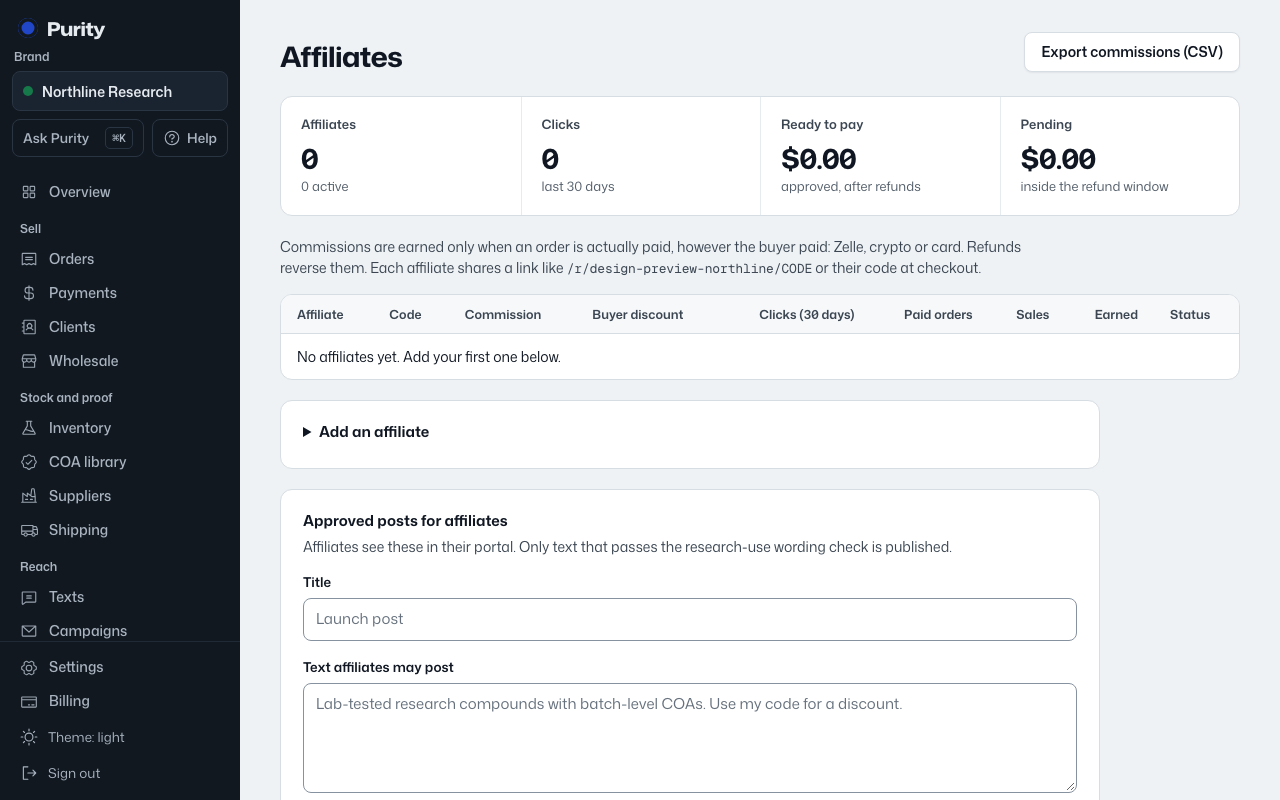
Purity does not send the money. Pay the affiliate through whatever method they use, then record it.
- Open the affiliate from Affiliates.
- Under "Payouts", choose "Paid by" and enter the confirmation or reference.
- Click "Record payout".
Recording a payout settles every approved commission for that affiliate at once, minus anything owed back from refunds. The amount owed is shown above the form before you send it.
"Record payout" is disabled if nothing is owed. You can export every affiliate’s commissions as a CSV from the "Export commissions (CSV)" link on the Affiliates page.