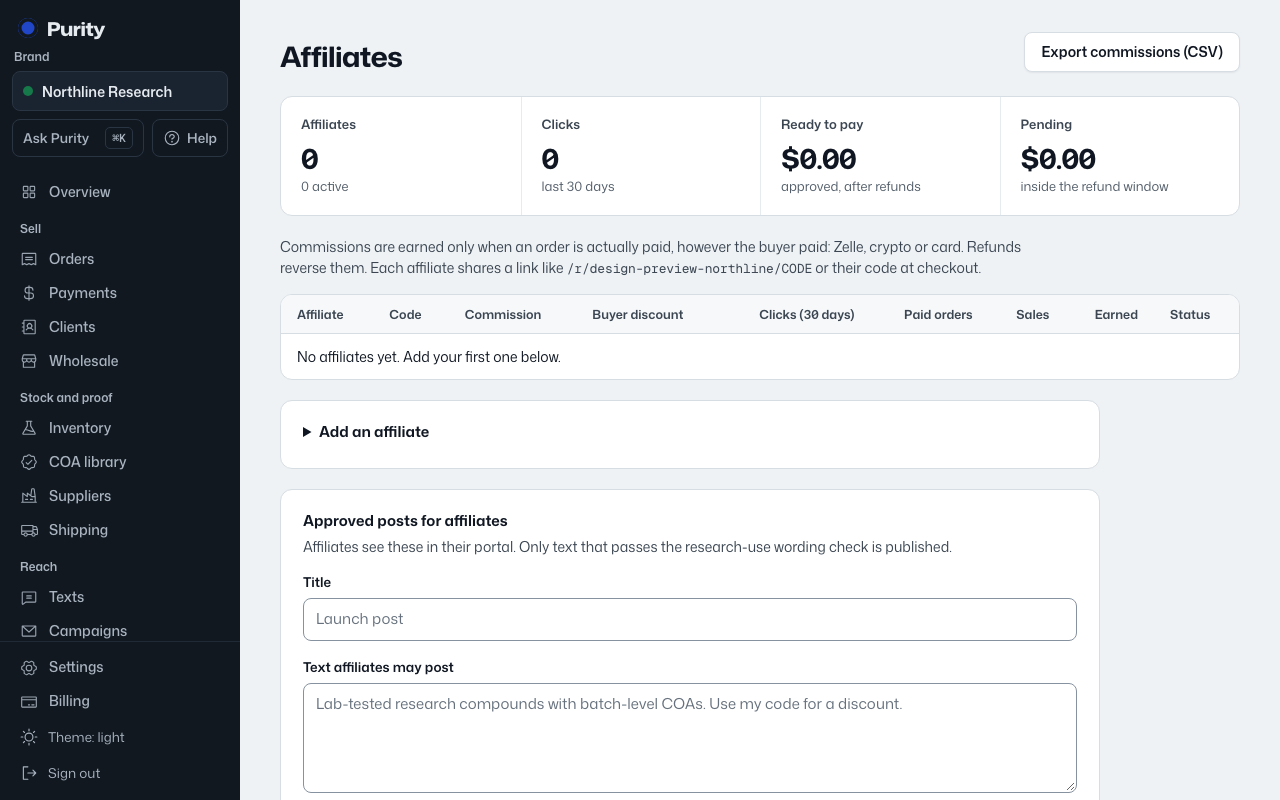
Open the affiliate from Affiliates. Their "Details" card is the same form used to add them; change any field and click "Save affiliate".
Click "Pause this affiliate" to stop their code from earning commissions or giving a discount, without deleting them. Click "Activate" to turn it back on.
A pending affiliate is one added with a status other than active; the list shows Active, Paused or Pending next to each name.