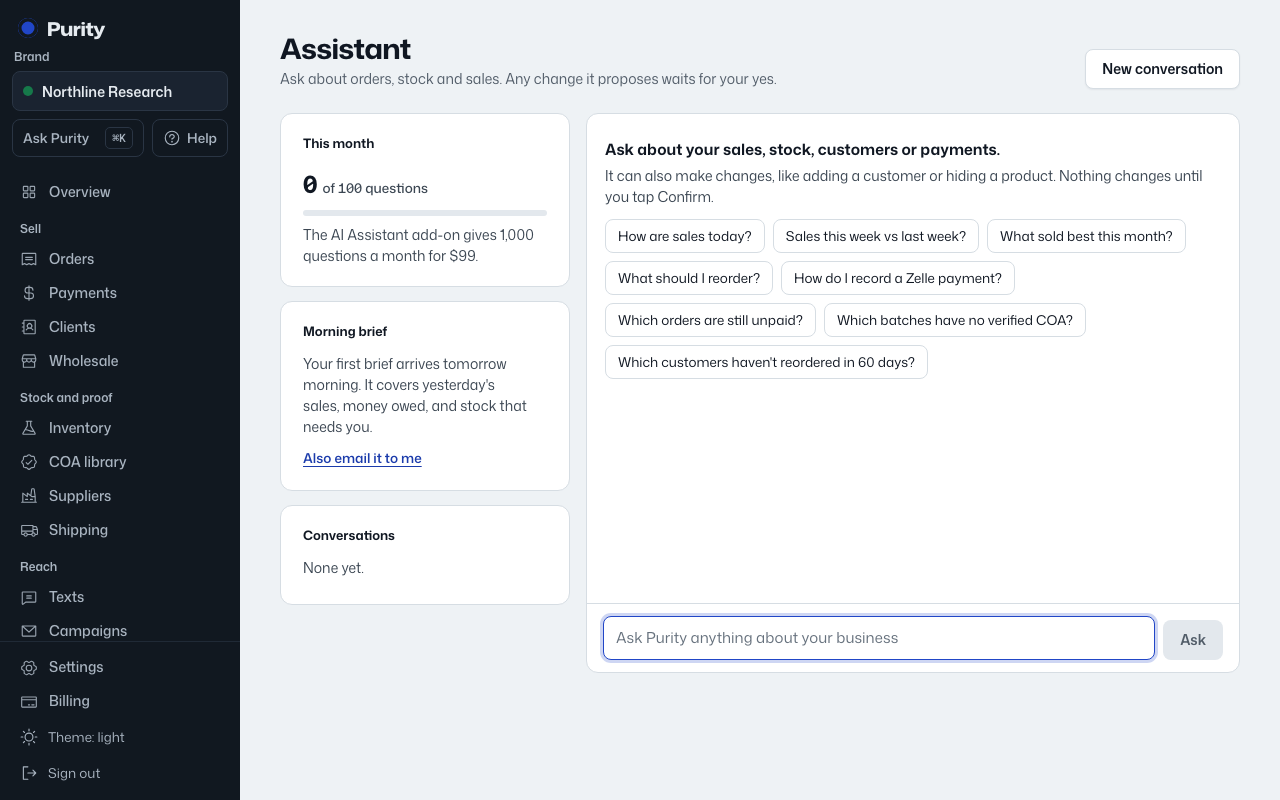
Open the assistant from Ask Purity in the dashboard menu, or press the keyboard shortcut to bring it up over whatever page you're on.
- Open Assistant, or press "⌘K" (Ctrl+K on Windows) to open Ask Purity from any page.
- Type your question in plain language and click "Ask".
- Or tap one of the suggested questions to try it without typing.
Some things worth asking:
- How are sales today?
- Sales this week vs last week?
- What sold best this month?
- What should I reorder?
- Which orders are still unpaid?
- Which batches have no verified COA?
- Which customers haven't reordered in 60 days?
- How much did we take in by payment method this month?
- Which wholesale quotes need pricing?
- Who are our best affiliates this month?
- Is anything broken right now?
The assistant only answers from your real data. If nothing can answer a question, it says so instead of guessing.
Press "Escape" to close the command bar, or click "Open full assistant" to continue the same conversation on the full page.