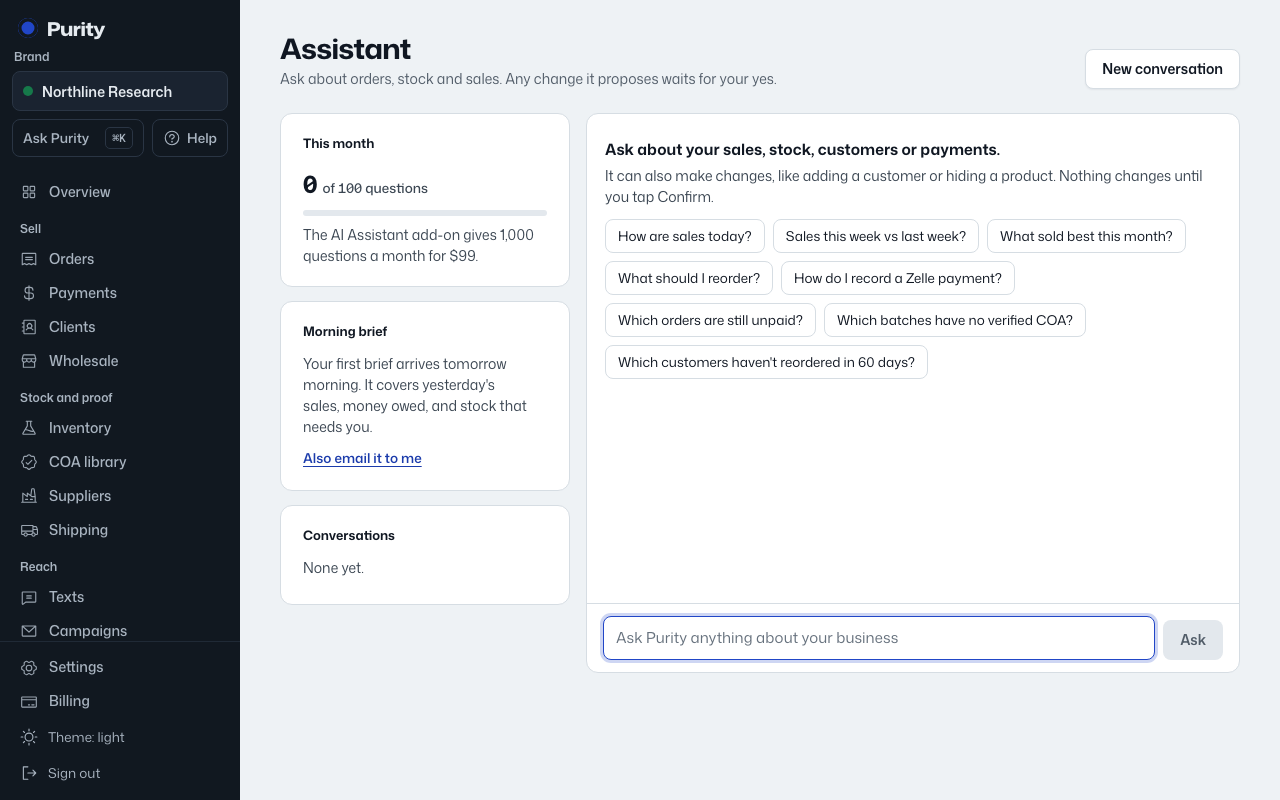
You can also ask the assistant to do something rather than just answer a question, for example add a customer, record a payment, or hide a product. It never changes anything by itself.
- Ask for the change in plain language, for example "Add a customer named Alex Rivera, email alex@example.com" or "Record a $150 Zelle payment from Alex Rivera."
- Read the card labeled "Proposed change, waiting for you." It says exactly what will happen.
- Click "Confirm" to make the change, or "Cancel" to drop it. Nothing happens until you click one of these.
A proposal waits up to a day. Leave it that long without deciding and it expires; ask again if you still want it.
If your role can't make that change, the assistant tells you so and says who can, an admin or the owner.
A confirmed change shows up in Activity, the same as if you'd clicked the button yourself.