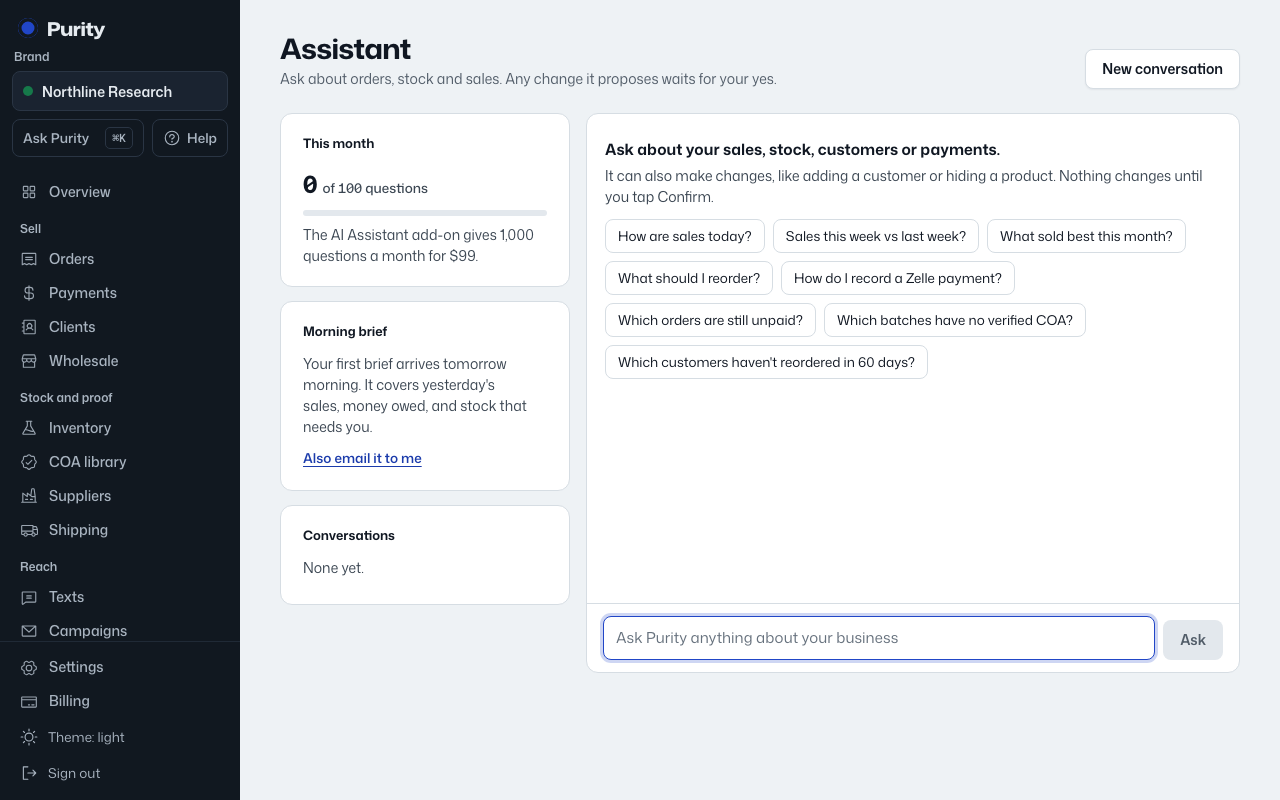
The assistant remembers your last few questions in a conversation, so a follow-up question doesn't need to repeat what you already said.
- On Assistant, pick a past conversation from the "Conversations" list to continue it.
- Click "New conversation" to start fresh.
- Open a conversation and click "Delete this conversation" to remove it.
The command bar ("⌘K") always starts a fresh question. Open the full assistant page to see your history.