Purity has three roles.
| Role | Can do |
|---|---|
| Staff | Day-to-day work: customers, orders, payments, products and stock, checking wording. |
| Admin | Everything staff can, plus settings, deleting records, website and webhooks, verifying wholesale buyers, wording rules, and inviting people. |
| Owner | Everything admin can, plus brand details, billing, publishing the research-use agreement, and closing the brand. Every brand has an owner. |
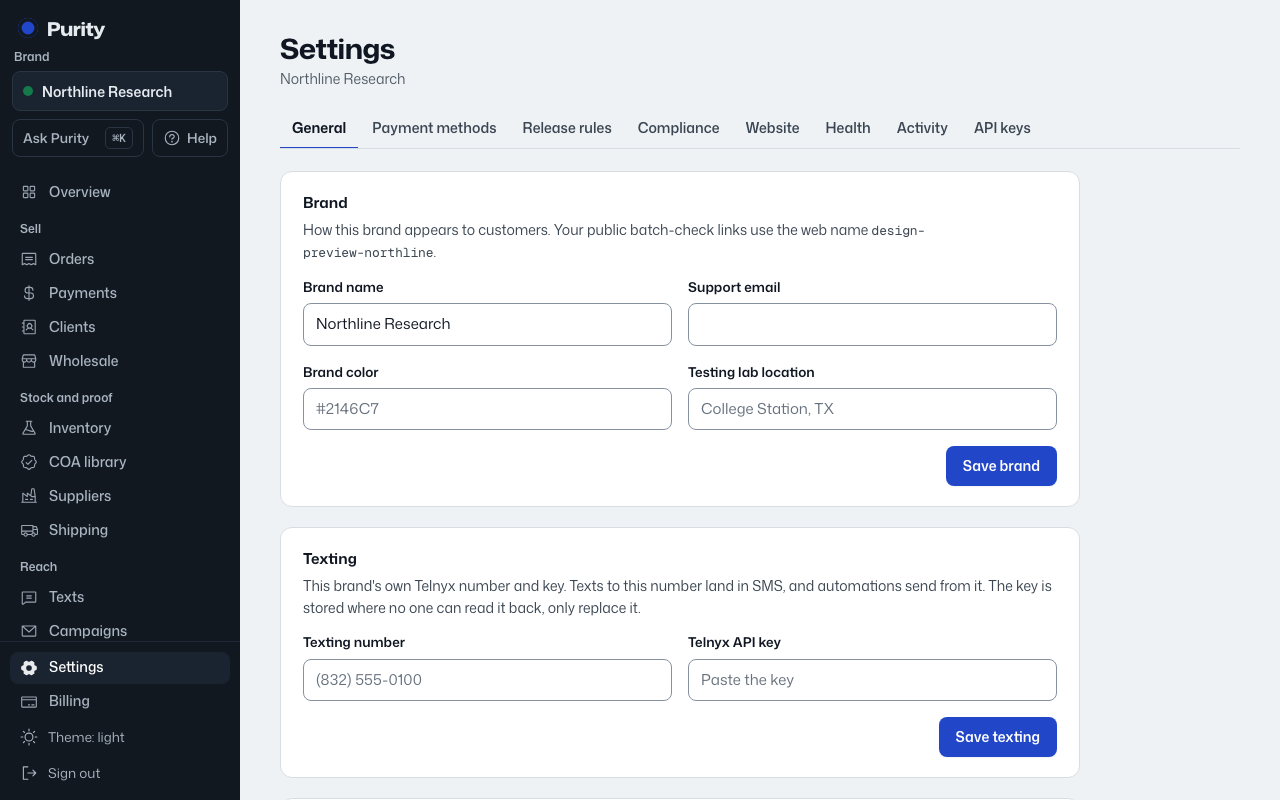
- Open Settings and find "Team".
- Enter the person's email and pick a role, "Staff: day-to-day work" or "Admin: also settings, deletes and invites".
- Click "Create invite link" and copy the link it shows you. Nothing is emailed automatically, so send it yourself.
The link works once and expires in 7 days. Click "Cancel invite" to withdraw one before it's used.
Click "Remove" next to a team member to take away their access. You can't remove the owner or yourself this way.