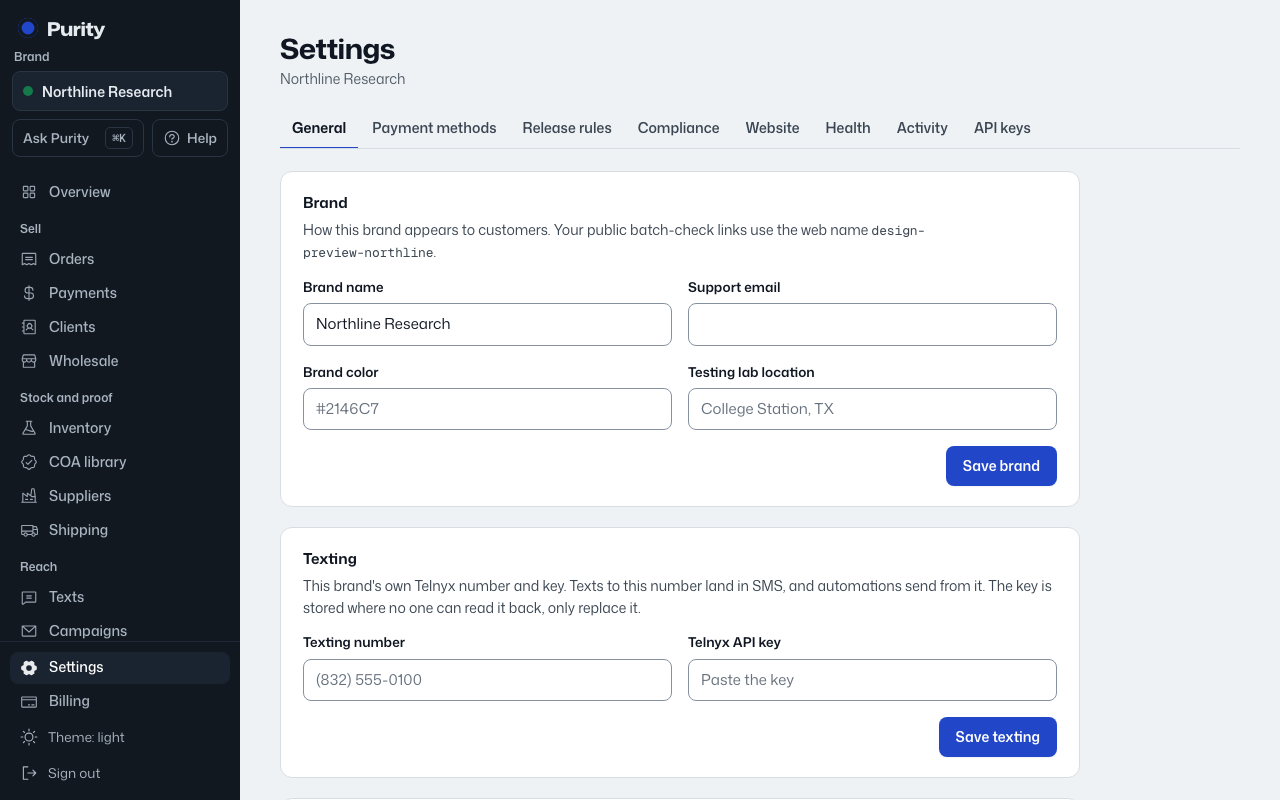
These details appear to customers and on your public batch-check pages.
- Open Settings and find "Brand".
- Edit the brand name, support email, brand color, and testing lab location, for example "College Station, TX".
- Click "Save brand".
Your web address for public batch-check links doesn't change here.