Until you set this up, order and payment emails go out from Purity’s address and replies go to your support email.
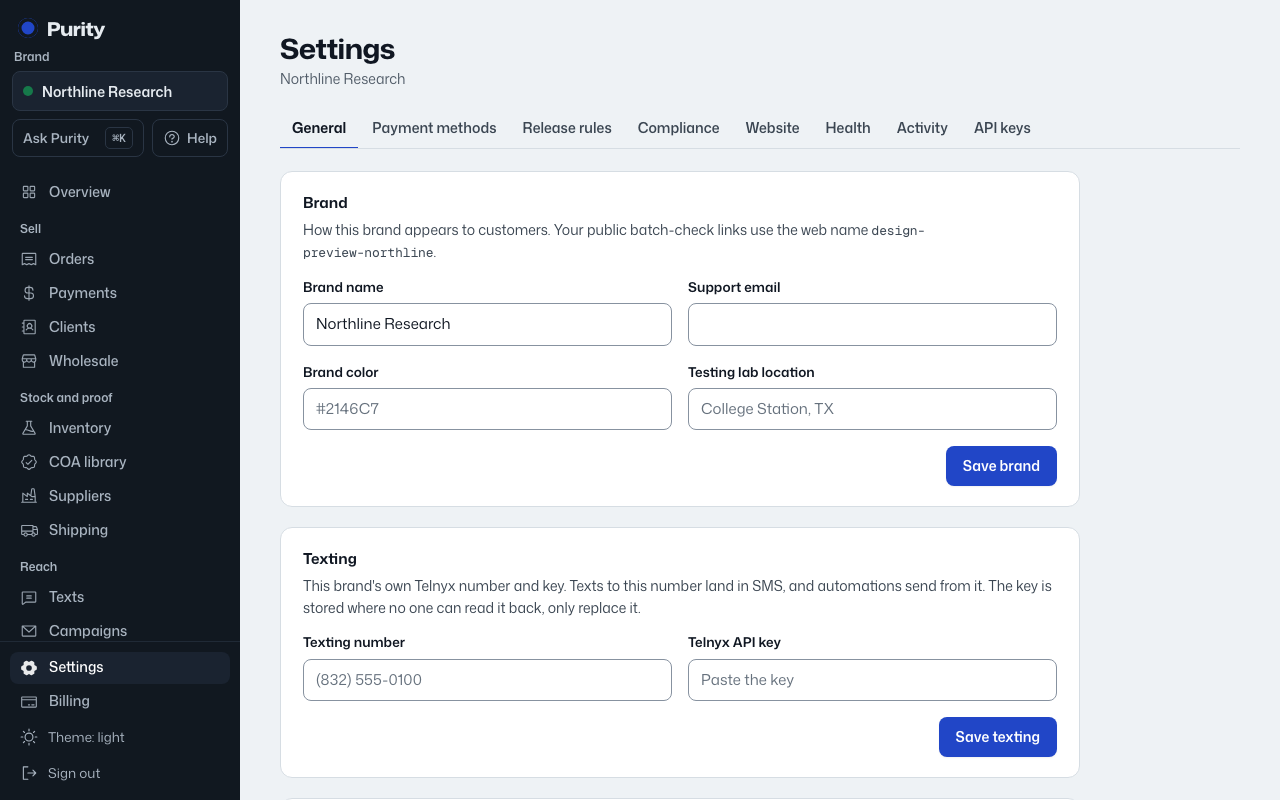
- Open Settings and find "Email".
- Under "Send from", enter an address on your own domain. A separate part of it, like orders@send.yourbrand.com, keeps your normal inbox unaffected.
- Click "Set up this address". Purity shows the records to add.
- Where you manage your domain (usually GoDaddy, Cloudflare or your website host, under DNS), add each record exactly as shown.
- Come back and click "Check now". Purity also checks every hour.
Once the records are found, the status changes to "Sending from your own address" and emails go out from it.
Free addresses like Gmail cannot be verified for sending. DNS changes can take a few hours to show up.