You need an authenticator app on your phone, such as Google Authenticator, Microsoft Authenticator or 1Password.
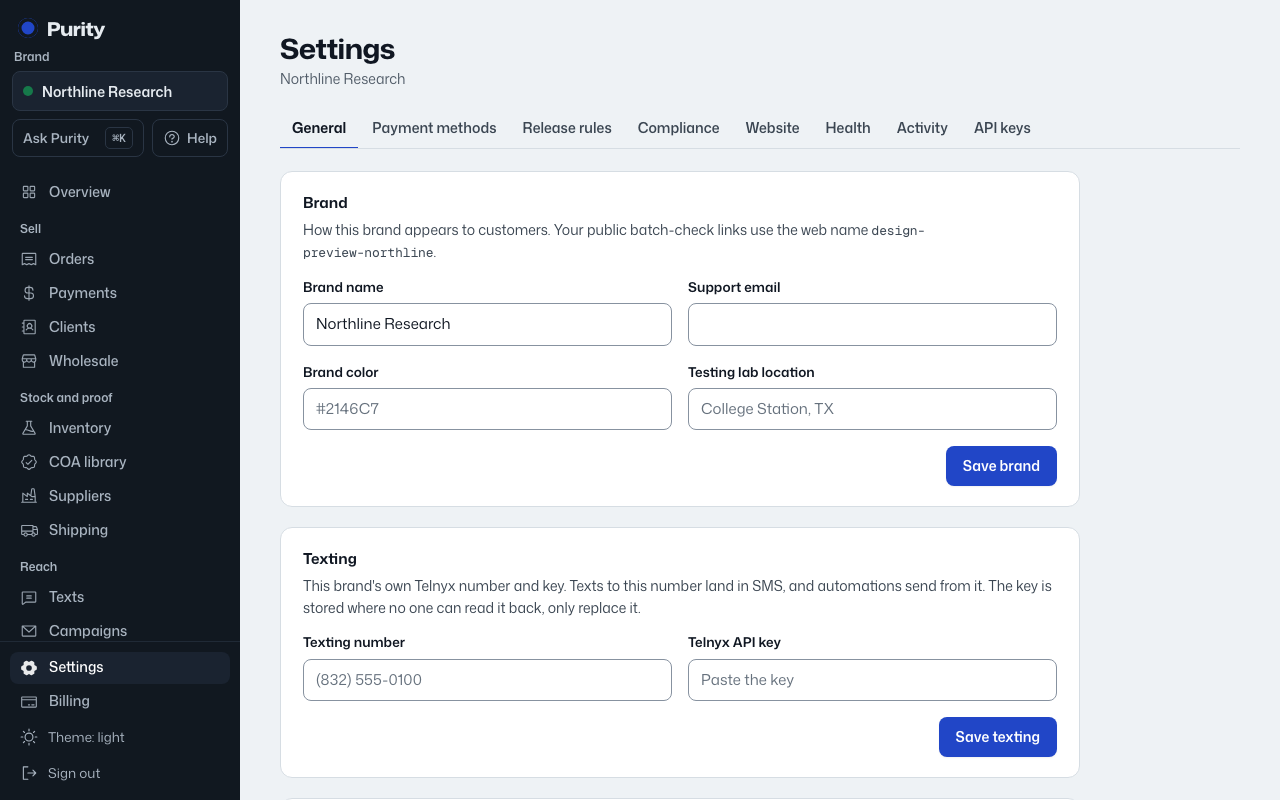
- Open Settings and find "Sign-in security".
- Click "Turn on two-step login".
- In your authenticator app, add a new account and scan the code on screen. If you cannot scan, type the key shown instead.
- Enter the 6-digit code the app shows for Purity and click "Confirm and turn on".
From then on, each sign-in asks for the current code from the app. Codes change every 30 seconds, so use the one showing now.
To turn it off, click "Turn off", enter a current code, and click "Turn off two-step login".
Lost the phone with your authenticator app? Contact Purity support. We confirm it is you before turning two-step login off, and you can set it up again on your new phone.