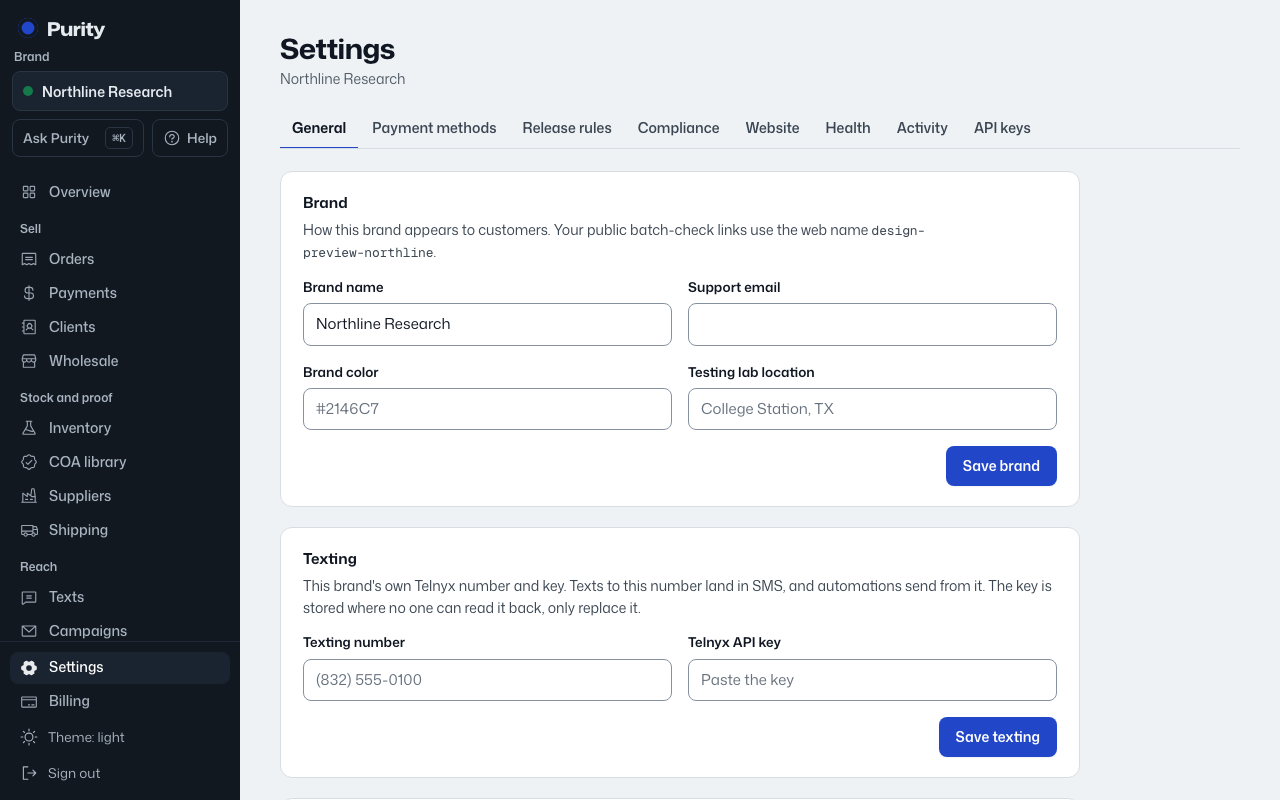
Each brand on your account keeps its own customers, products, texting number and email sender, completely separate from the others.
- Open Settings and look under "Brands on this account" to see every brand you belong to and your role on each.
- Switch brands from the menu at the top of the dashboard.
- An owner can click "Add a brand" to set up another one.