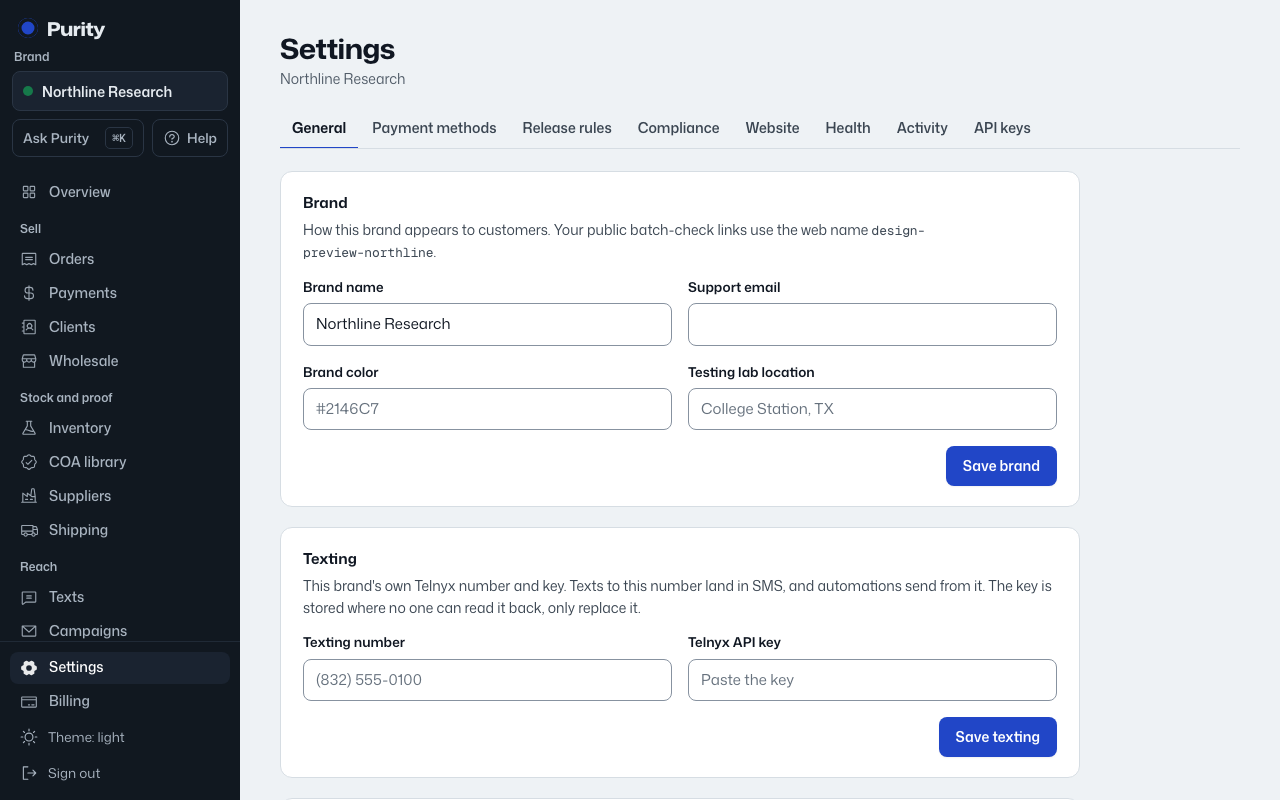
Open Feature requests from the menu. The list shows what customers have asked for, most votes first.
- Click "Request a feature".
- Under "What should Purity do?", describe the problem in a short title. As you type, Purity shows similar requests. If one fits, vote for it instead.
- Add details if they help: what you do today, and what would be better.
- Click "Post request". Your request starts with your vote on it.
To vote, click the arrow and count next to a request. Click it again to take your vote back. Open a request to read and add comments with "Post comment".
Use the filters across the top to see what is Planned, Building, Shipped or Not planned.
Every request and comment shows as from a Purity customer, never your brand. Some wording is checked by Purity before it goes public; until then only you can see it. You can post up to 5 requests a day.