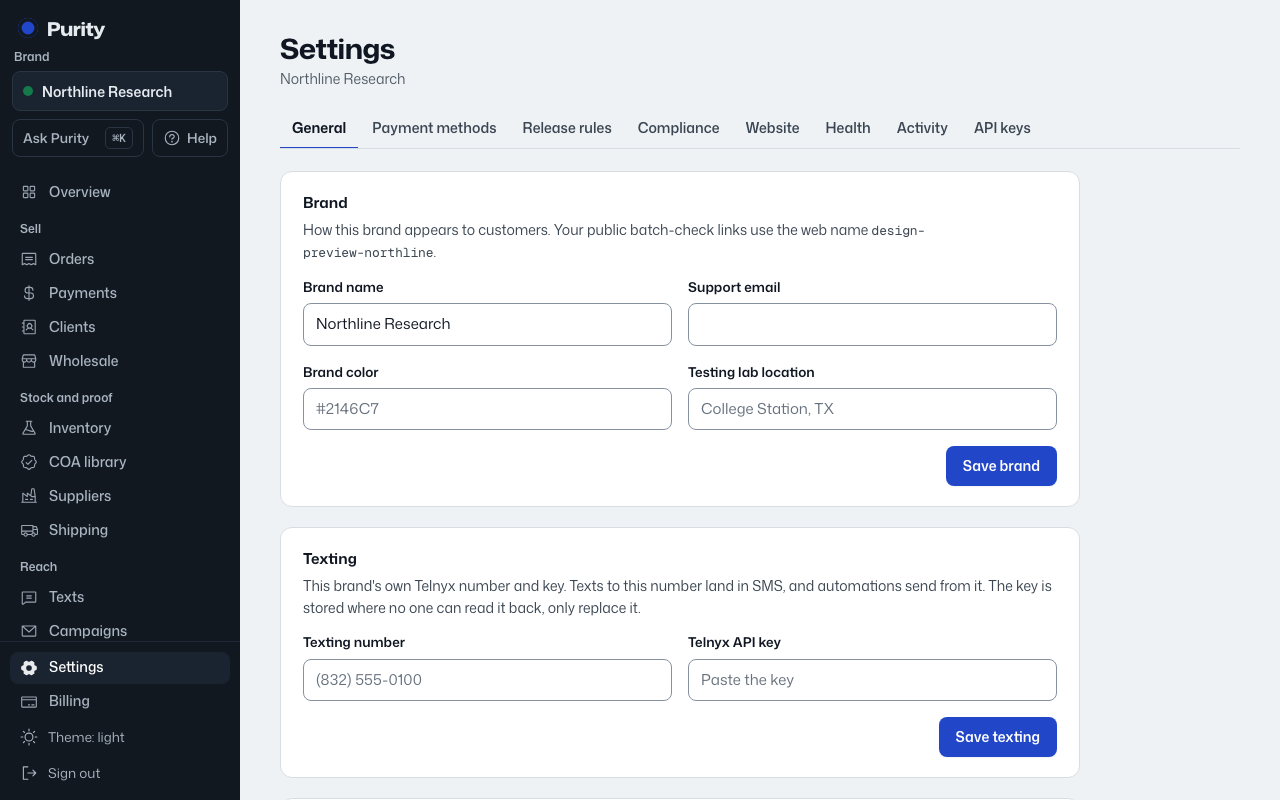
Closing a brand turns off its shop, website connection and scheduled messages, and makes it read-only. Nothing is erased: orders, agreements, lab reports and the activity log are kept, and you can reopen it later.
- Open Settings and scroll to "Close this brand".
- Type the brand name exactly to confirm.
- Click "Close this brand".
To bring a closed brand back, open Settings on any brand you own, find it under "Closed brands", and click "Reopen".