Use this when the count in Purity doesn't match what is on the shelf, for example after a recount or a broken vial.
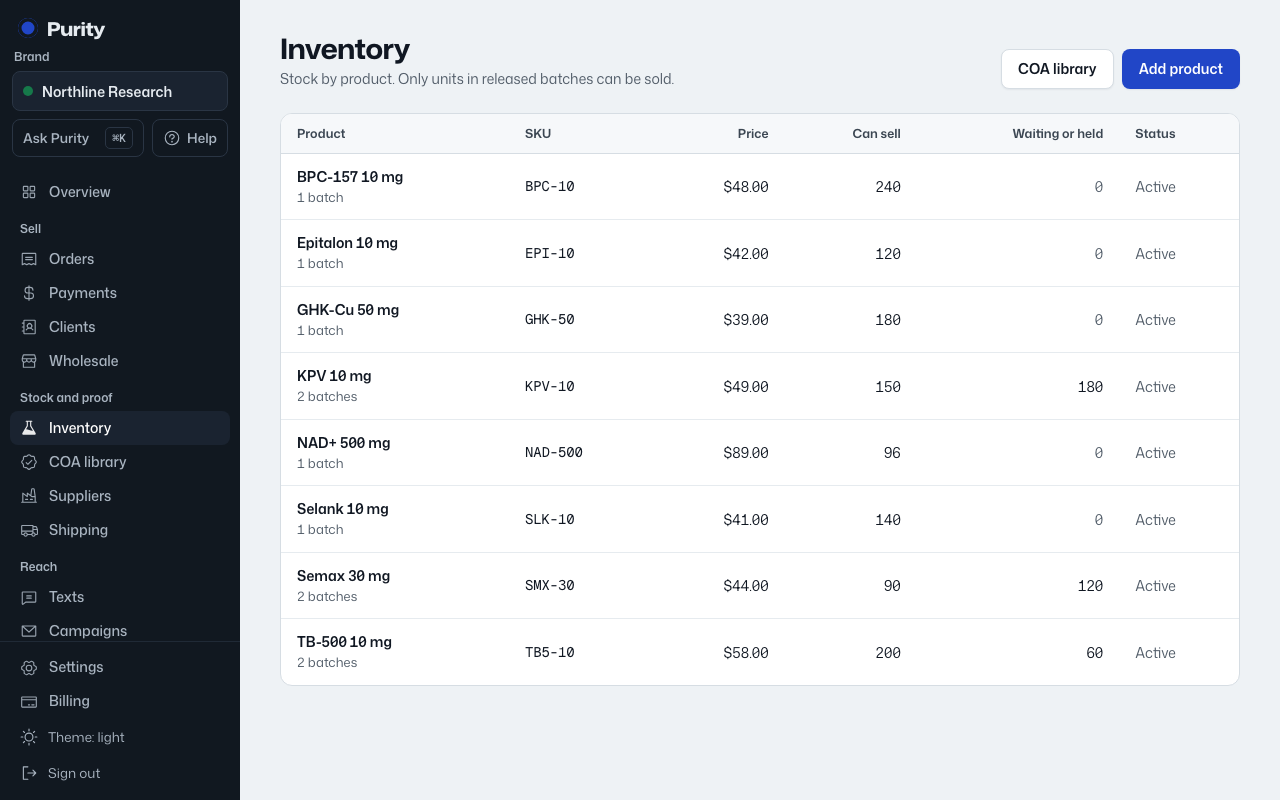
- Open the product from Inventory.
- In the Batches table, click "Correct" next to the batch's units.
- Enter the number actually on hand.
- Click "Save".
Every correction is recorded in the activity log with who made it. You can also ask Ask Purity to do it for you.
Adding a new batch or receiving a purchase order are the normal ways stock increases; use this only to fix a count that's wrong.