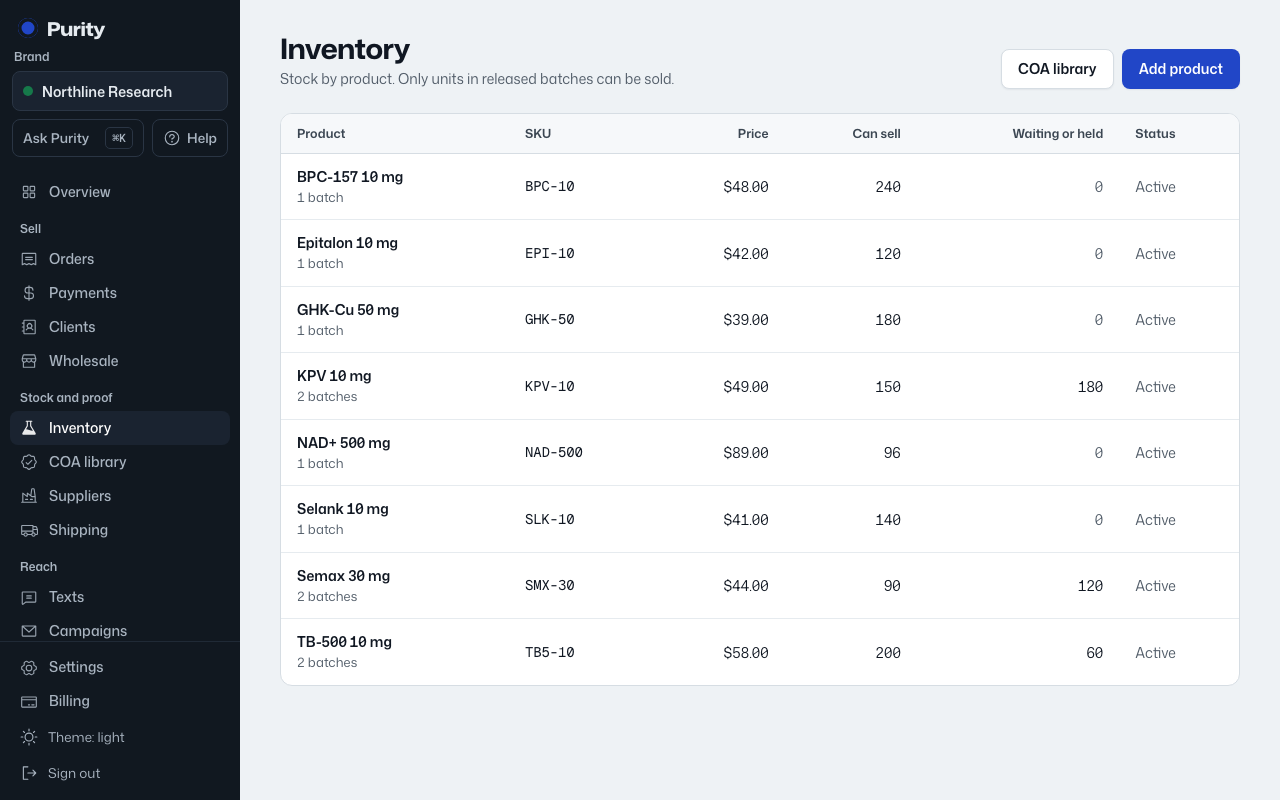
Every unit of stock belongs to a batch, not just to the product. That is what lets a lab report cover exactly the units it was tested from.
- Open the product from Inventory.
- Under "Add a batch", enter the "Batch number".
- Enter the "Quantity".
- Add "Unit cost (USD)" if you know it.
- Click "Add batch".
A new batch always starts in quarantine, whether you add it here or receive it on a purchase order. It can only be sold once its lab report is attached and verified.