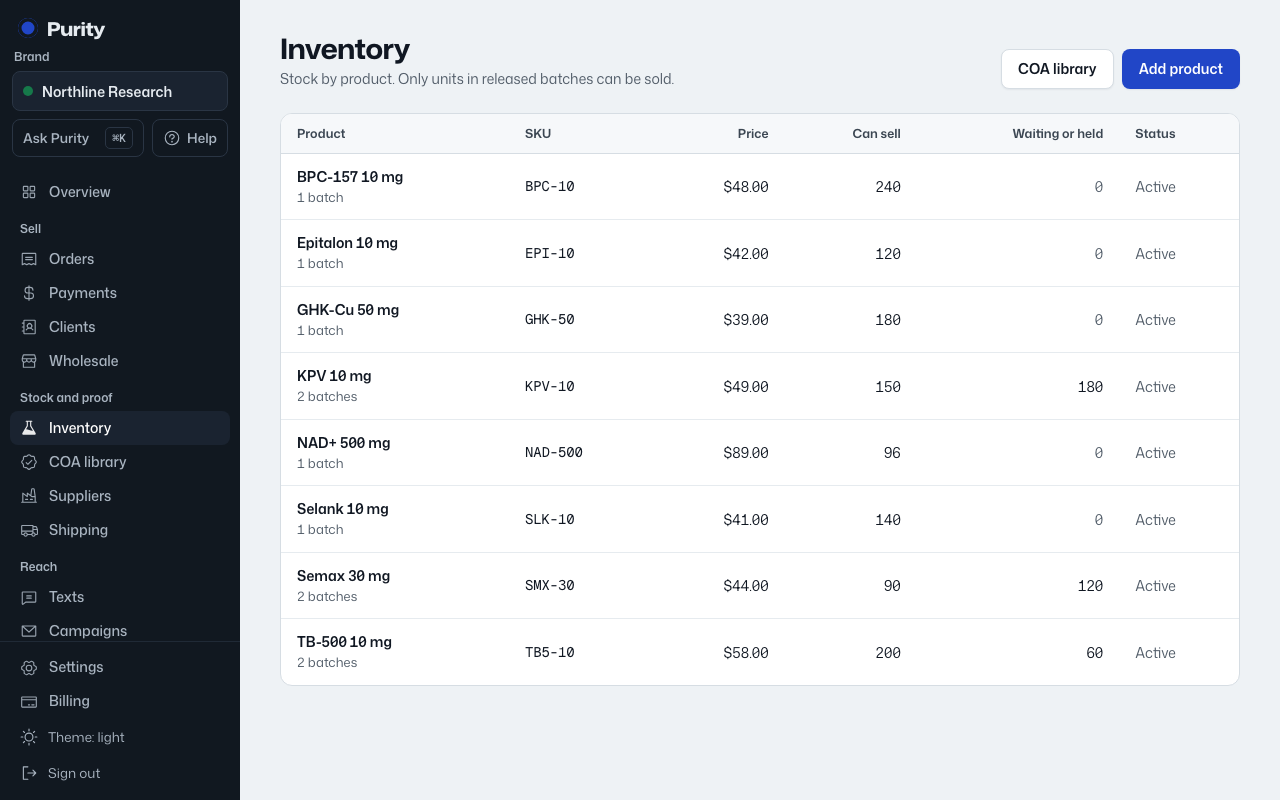
- Open the product from Inventory.
- Click "Edit" at the top.
- Change the name, SKU, price or description.
- Click "Save changes".
The name and description are checked for wording, the same as a new product. Blocked words stop the save; flagged words need a reason from an owner or admin.