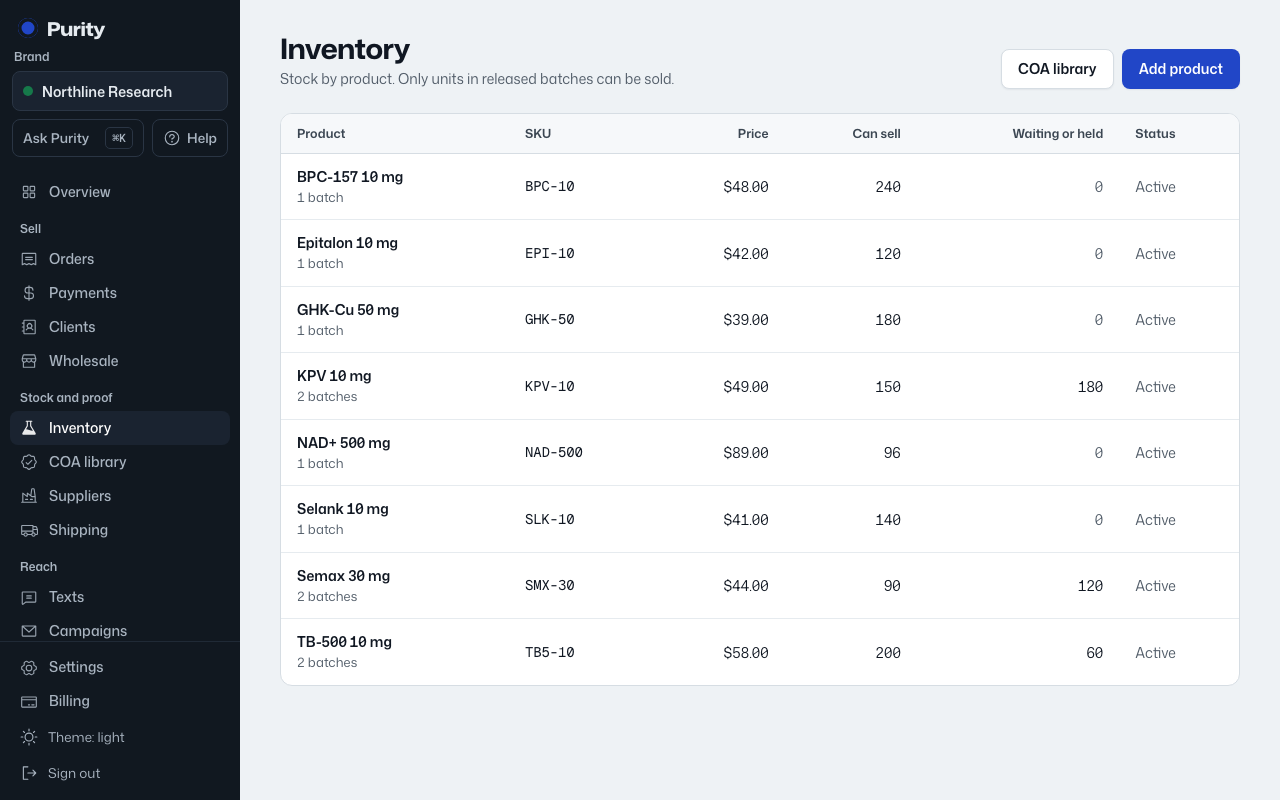
A product is the catalog entry, like "BPC-157 10mg". Batches, stock and lab reports all attach to a product.
- Open Inventory and click "Add product".
- Enter a "Name" and "SKU". Both are required.
- Add a "Price (USD)" if you want to sell it at a set price.
- Add an internal "Description" if you want one.
- Click "Add product".
If the wording checker flags your name or description for a second look, a "Reason to send anyway" box appears. Give a short reason and it will go through; the reason is logged. Blocked wording can never be overridden.
A new product has no stock yet. Add its first batch from the product page.