Each batch has a printable label with a QR code. Scanning it opens the batch's public page with its lab results.
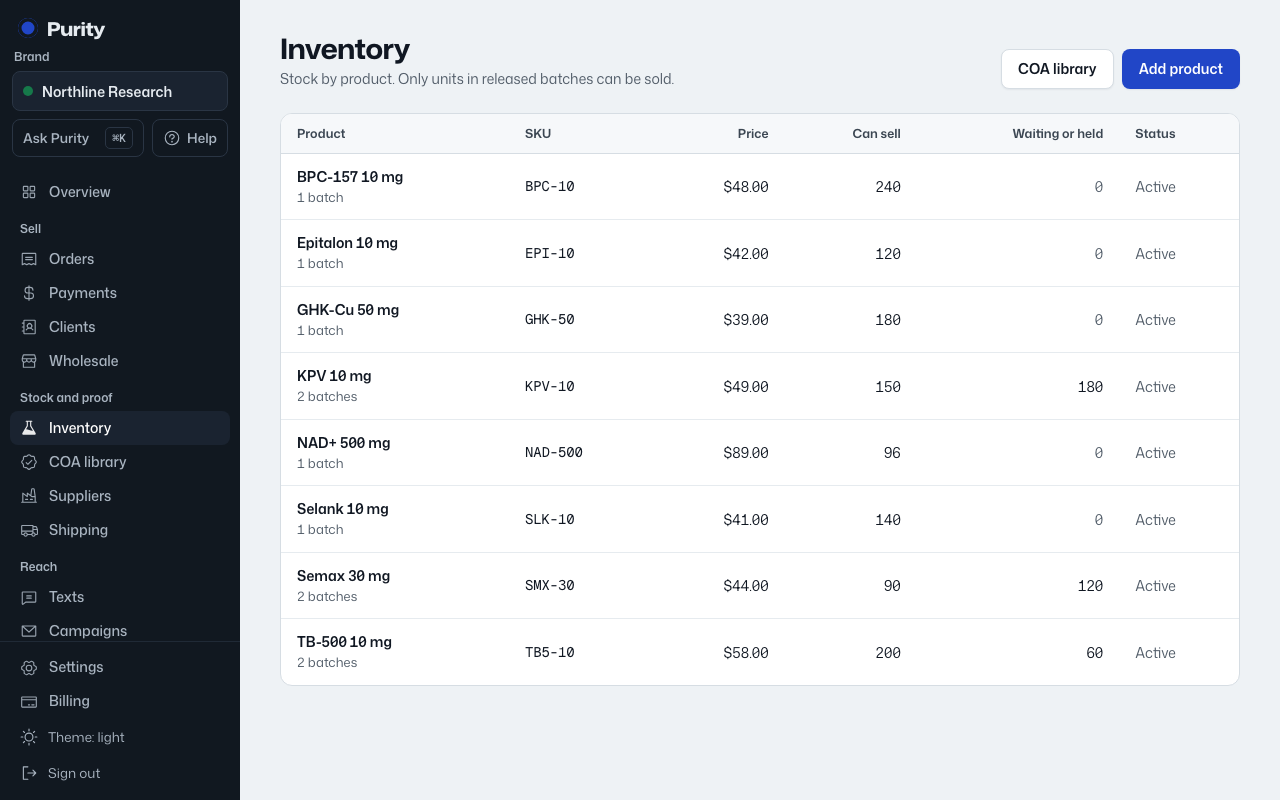
- Open the product from Inventory.
- Click "Label" next to the batch.
- Click "Print label".
If the batch is not released yet, a notice says so on this page. The QR code still works, but the public page will show the batch as not released.