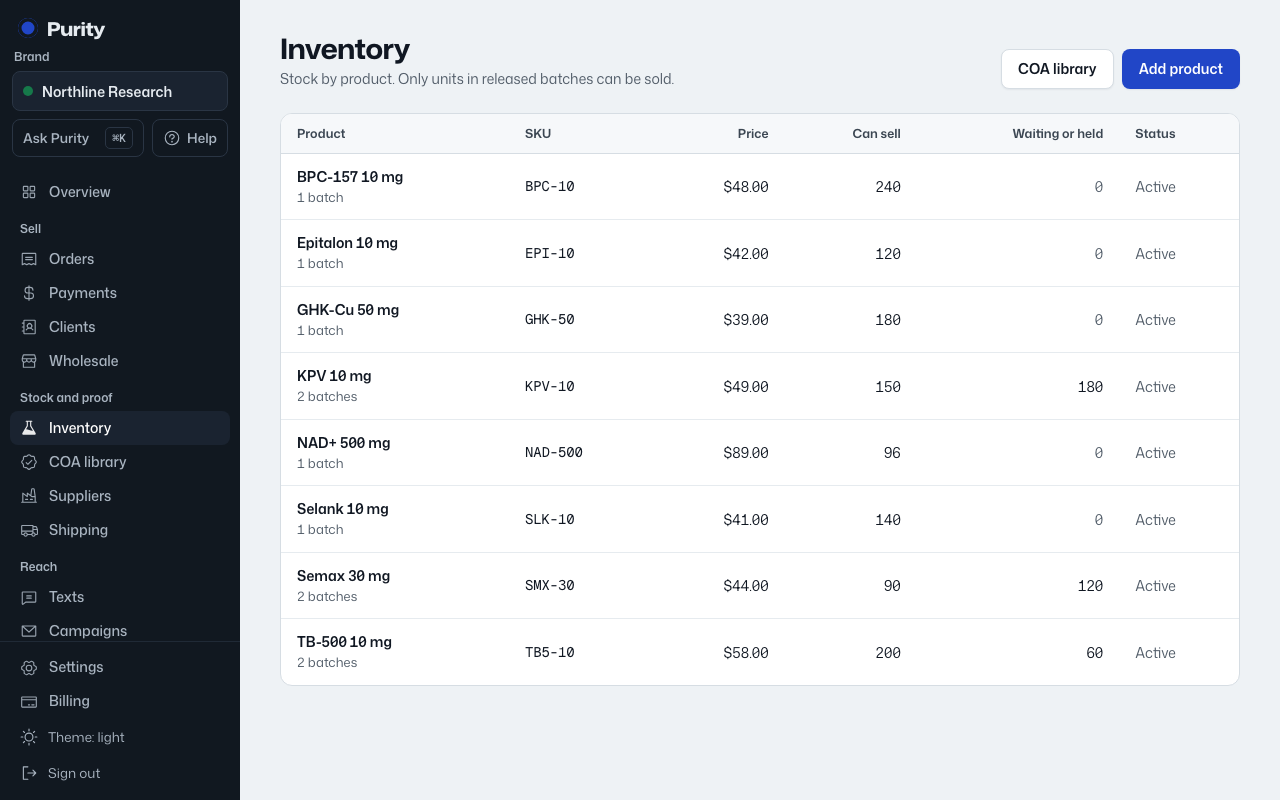
Deactivating hides a product without losing its history. Deleting removes it, though you can undo a delete right after.
- Open the product from Inventory.
- Click "Deactivate product" to hide it, or "Reactivate product" to bring it back.
- To delete it instead, click "Delete product" and confirm.
Deleting a product needs an owner or admin. Right after deleting, Inventory shows an "Undo" link.