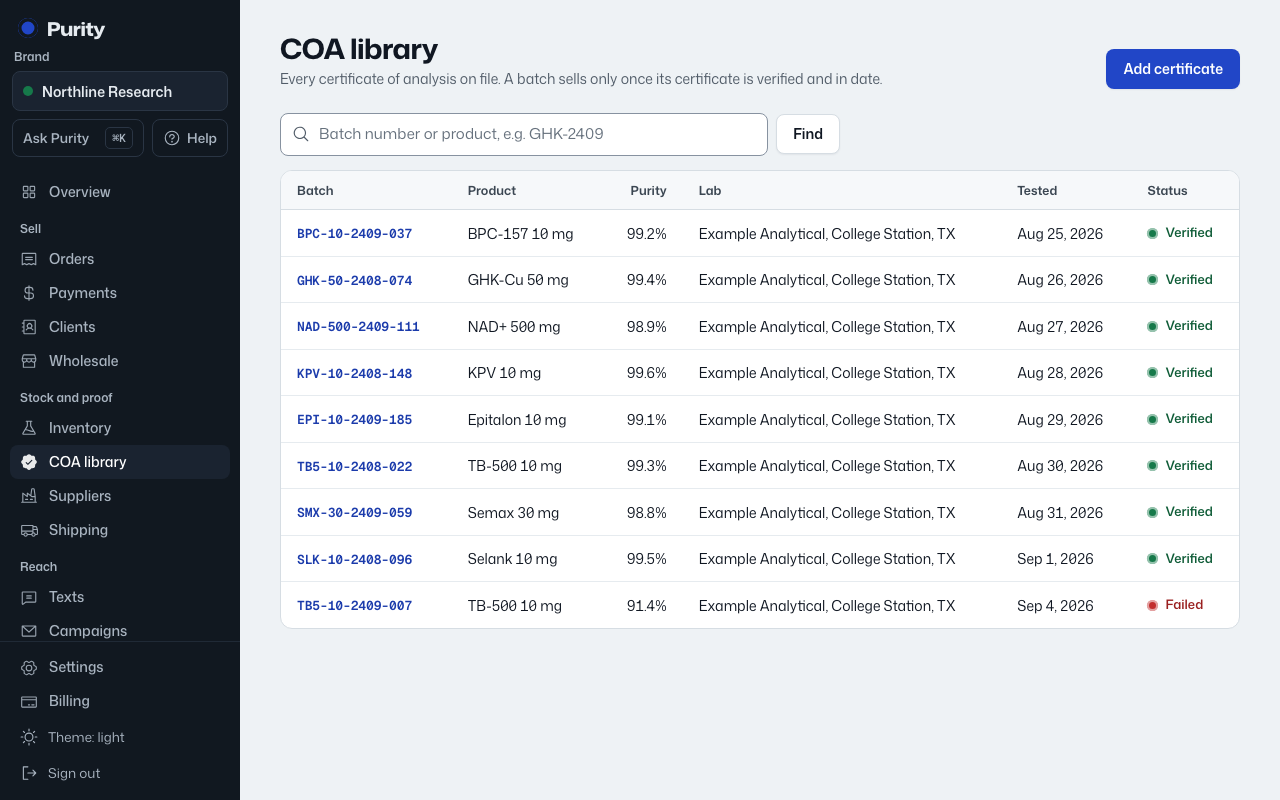
A lab report, or COA, is what lets a batch be released for sale. Add one whenever a lab sends you results.
- Open COA library and click "Add certificate".
- Under "Link to batch", pick the "Inventory batch" this report is for, if you have one. This fills in the product name and batch number and attaches the report to that batch.
- Fill in "Purity %", "Test method", "Lab", "Test date" and, if the lab gives one, "Retest date".
- Set "Identity (mass) result" to Pass, Fail or leave it Not tested.
- Add "Endotoxin", the lab's "Lab report or verification key" and "Lab verification link" if you have them.
- Upload the "Certificate PDF" or paste a link under "Or a link to it".
- Click "Add certificate".
A new report starts as "Pending review". The batch stays in quarantine until you mark it verified.