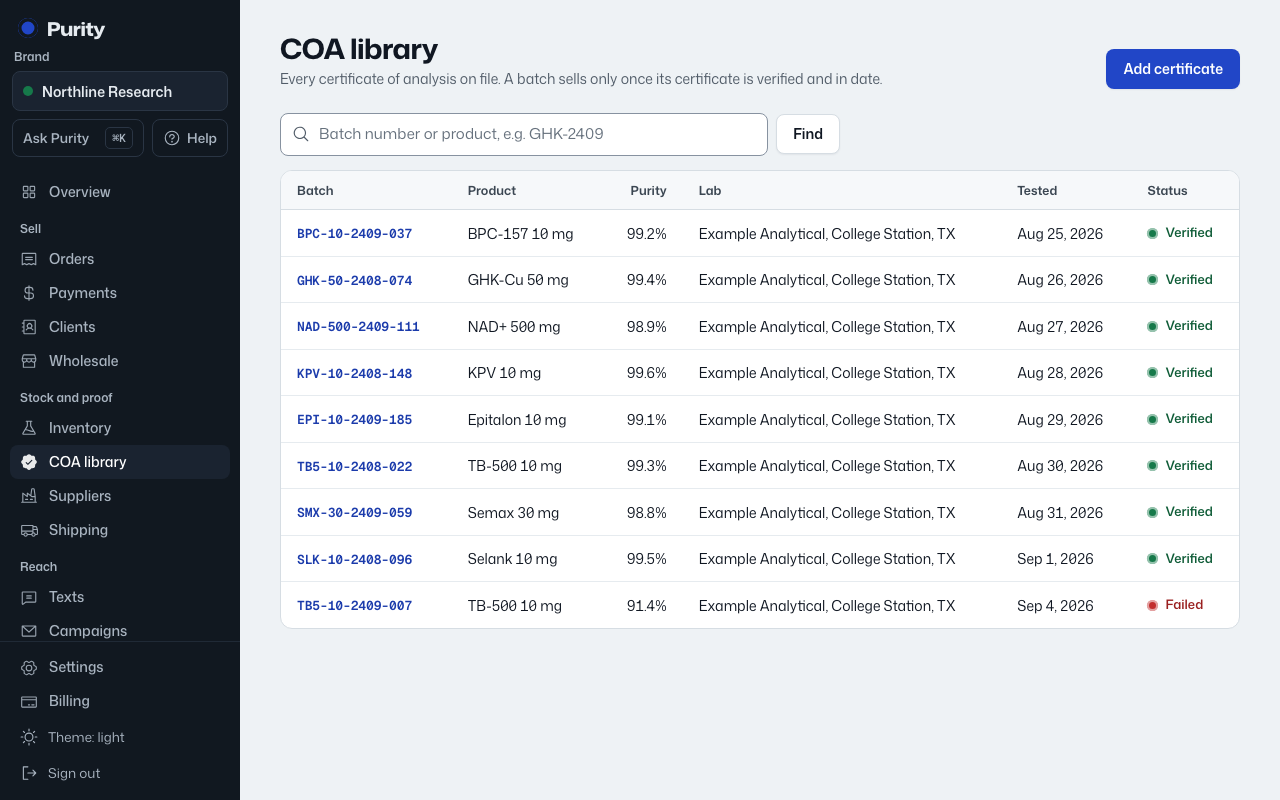
A batch's release status is decided by whichever lab report points at it, so the batch and the report need to be linked.
- The easiest way is when you add the report: pick the "Inventory batch" in the "Link to batch" section before saving.
- If a batch has no report yet, its product page shows "Add report" next to it, which takes you to a new certificate already linked to that batch.
A batch without a linked report shows "No report yet" on its product page and stays in quarantine.