Purity works with PuriLab so a lab test you order from a batch comes back onto that batch without typing anything in.
- Open the product in Inventory and click "Lab testing" under the batch number.
- Click "Order a PuriLab test". PuriLab's shop opens with this batch's reference (it starts with PUR-) already in the link. Place the order and send the sample as PuriLab asks.
- Each step shows on the batch page as PuriLab reports it: received, in analysis, in review, results ready.
- When the results are ready, Purity saves the report PDF, fills in the certificate (purity, measured mg against the label, identity, report number and PuriLab's verification link) and your release rules decide whether the batch can be sold.
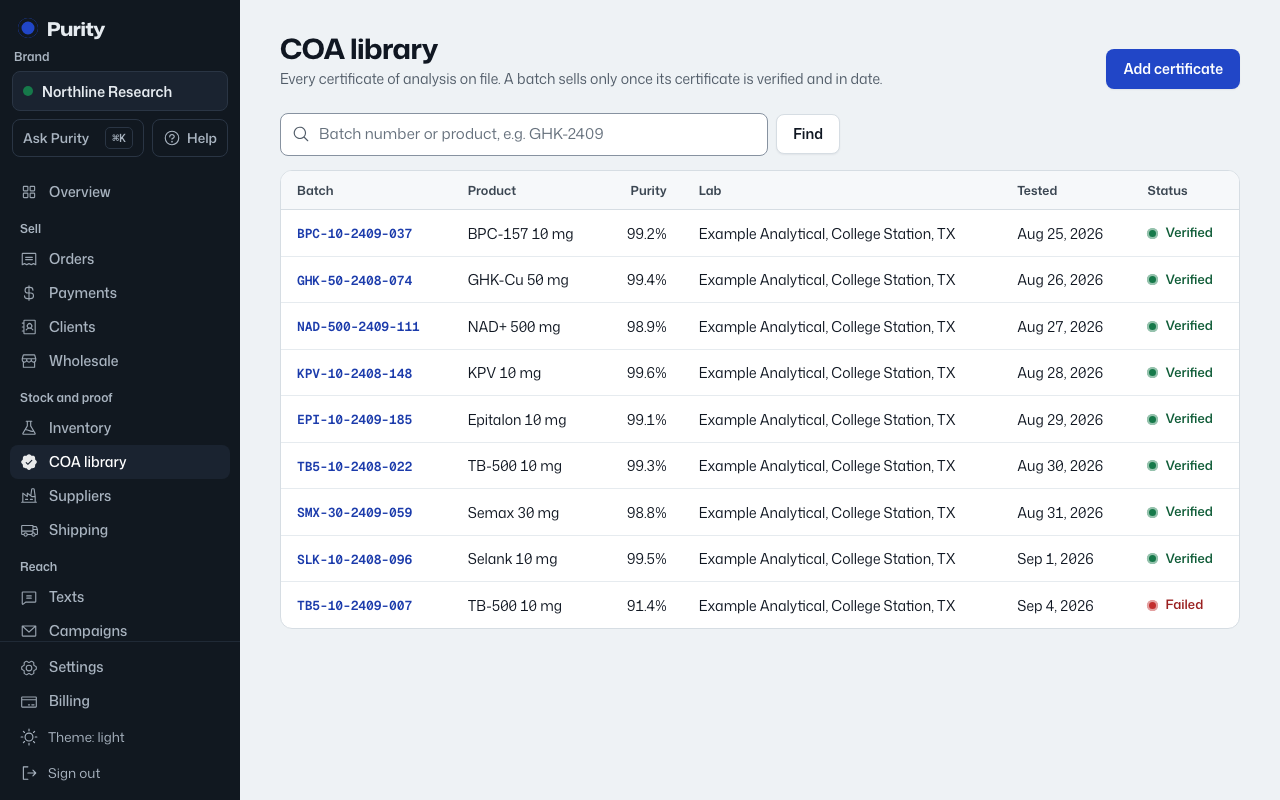
Ordered on PuriLab's site without the link? Results that arrive under your email for one of your batch numbers wait under "PuriLab results to confirm" in the COA library. Click "Confirm" if they are yours, or "Not ours".
Only an owner or admin can order tests and confirm results.