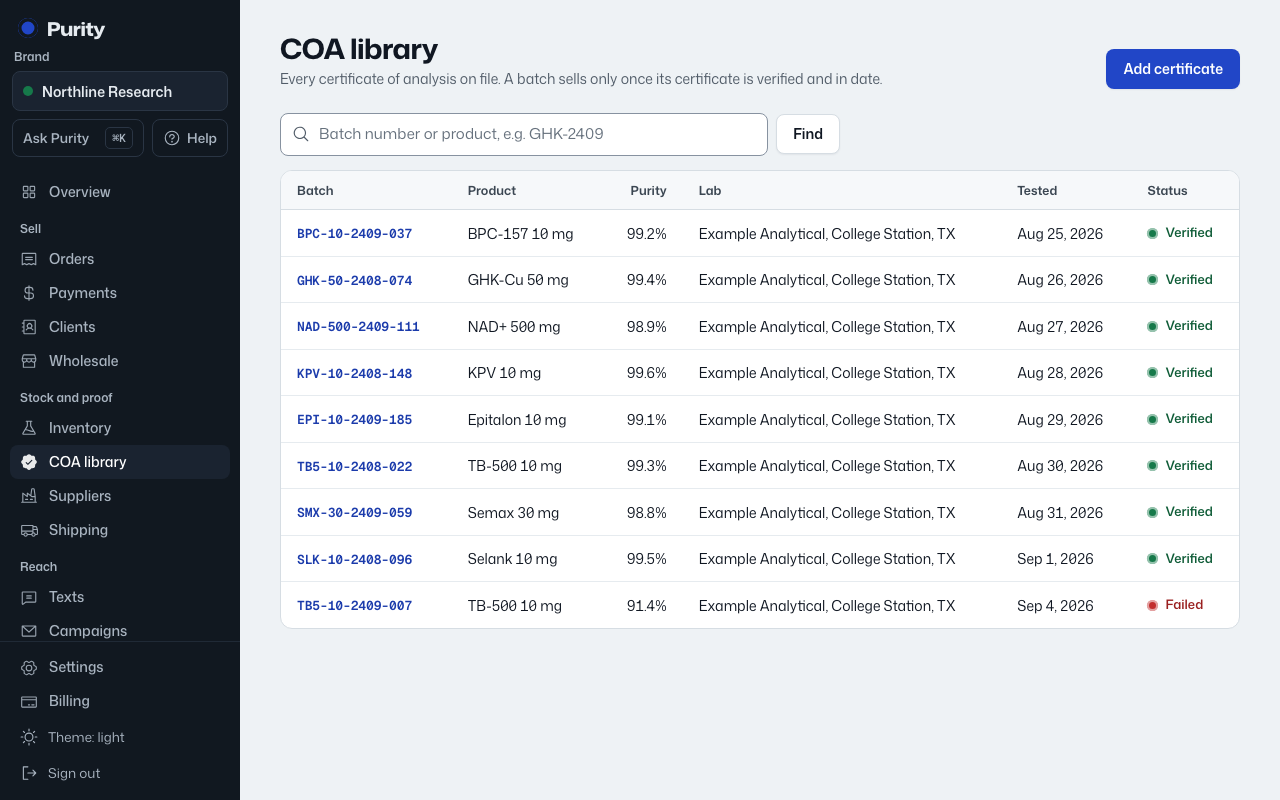
A report does nothing on its own. You need to mark it verified before its batch can be released.
- Open the certificate from COA library.
- Check "What the lab reported" against the PDF.
- Click "Mark verified and publish" if it's good, or "Mark failed" if it isn't.
- Use "Back to pending" if you marked it by mistake and want it out of quarantine limbo without committing either way.
Once verified, the report is live on its public page, and the linked batch is released as long as it also meets your minimum purity, names the lab and is in date. A failed report puts the batch on hold and it cannot be sold.