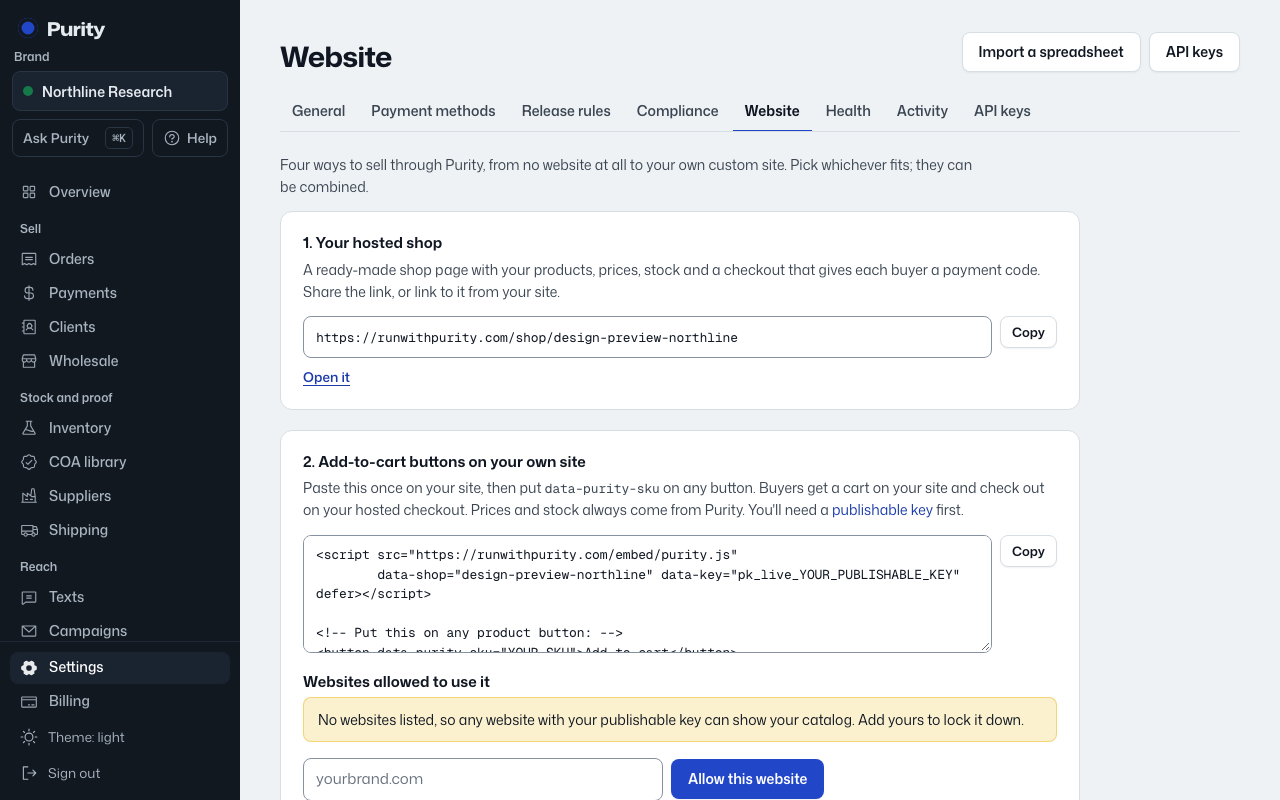
Open API Keys to create a key for your website or another system to talk to Purity.
- Give the key a name, like "Storefront."
- Choose the type: "Publishable (pk_)" for catalog reads, safe in browser code, or "Secret (sk_)" for checkout writes, kept on your server only.
- Click "Create key" and copy it right away. It is not shown again.
- Click "Revoke" next to a key you no longer use to turn it off.
A revoked key stops working immediately and can't be turned back on; create a new one instead.