A webhook is a signed message Purity sends to your server when something happens to an order. Your server checks the "Purity-Signature" header against your signing secret to confirm it came from Purity.
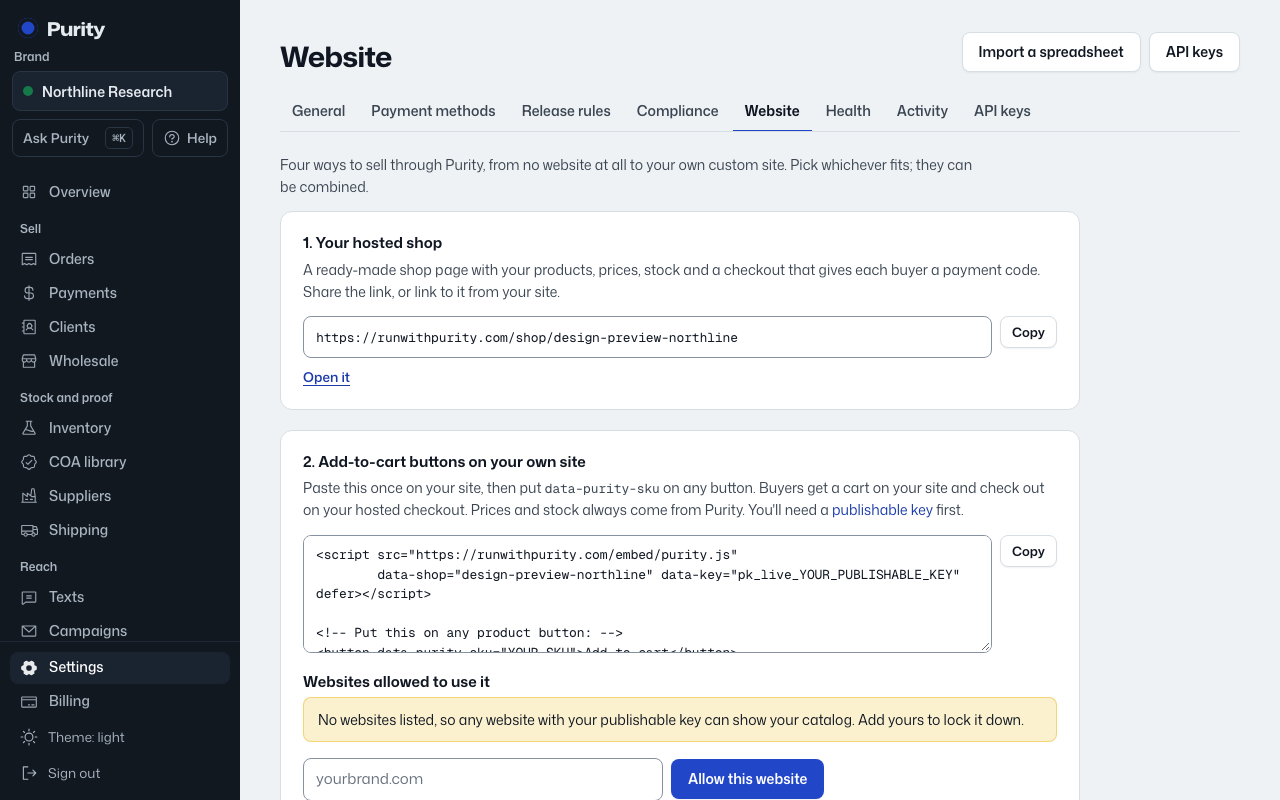
- Open Website and scroll to "4. Webhooks, for custom systems."
- Enter the address that should receive events, an optional description, and pick which events to send: "order.created", "order.paid", "order.shipped".
- Click "Add webhook" and copy the signing secret shown. It is not shown again.
- Click "Send test" to check the address answers correctly.
- Click "Pause" to stop sending without deleting it, or "Resume" to start again.
- Click "Remove" to stop it for good.
Failed deliveries are retried for about a day. "Recent deliveries" shows whether each was "Delivered", is still retrying, or the server gave up.