Install the Purity Sync plugin. Every WooCommerce order comes into Purity with its payment status, and WooCommerce stock follows Purity within a few minutes of any change. Buyers keep checking out on your WooCommerce store.
Before you start: A WordPress site where you can install plugins. Your own hosting always allows it; on WordPress.com it needs any paid plan.
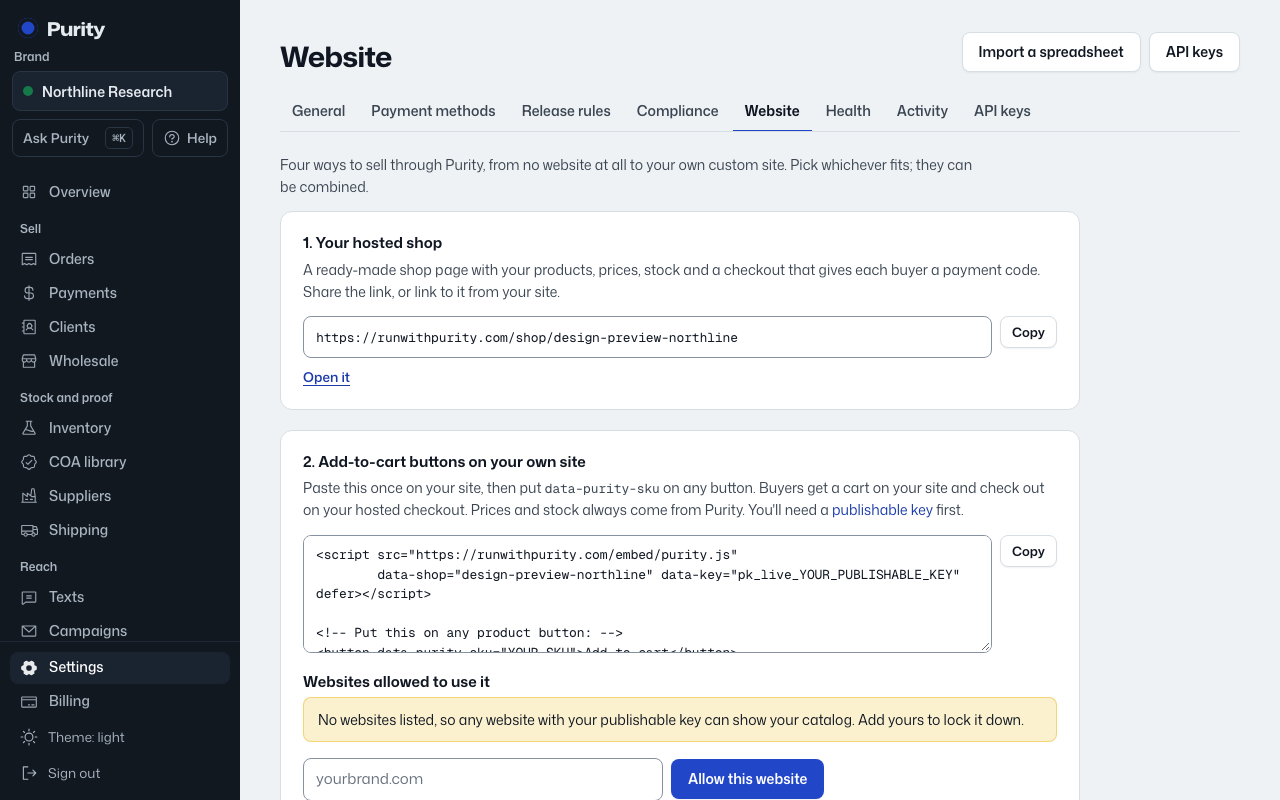
Open Website, choose WooCommerce under "Where do you sell today?", then follow these steps:
- Download the plugin file. Keep it zipped. The Website page has this ready to copy.
- In WordPress: Plugins > Add New Plugin > Upload Plugin. Choose the file, then Install Now, then Activate Plugin. (On WordPress.com's default view it is Plugins > Upload.)
- Create a secret key for your store. It is shown once, so copy it now. Use "Create a site key" or "Create a secret key" on the Website page.
- In WordPress: WooCommerce > Settings > Purity. Paste your Purity address and the secret key, then Save changes. The Website page has this ready to copy.
- Make sure each WooCommerce product has the same SKU as in Purity (WooCommerce: Products > edit a product > Inventory > SKU). Orders only come in for products whose SKU matches.
- Place a test order on your store. It shows up in Purity under Orders within a minute, marked as from WooCommerce.
Connected looks like: Purity shows when your store last checked in and your most recent WooCommerce order.
Stock: each WooCommerce order comes into Purity and claims its stock right away. Whenever what you can sell changes (a sale anywhere, a cancellation, a batch released or put on hold), Purity tells the plugin within about two minutes; it updates each product's stock, and sets Sold out, backorders for Pre-order, or hides it, as you choose under "Stock on your website". It also checks every hour in case a message is missed, and reports each product back so you can see it here.