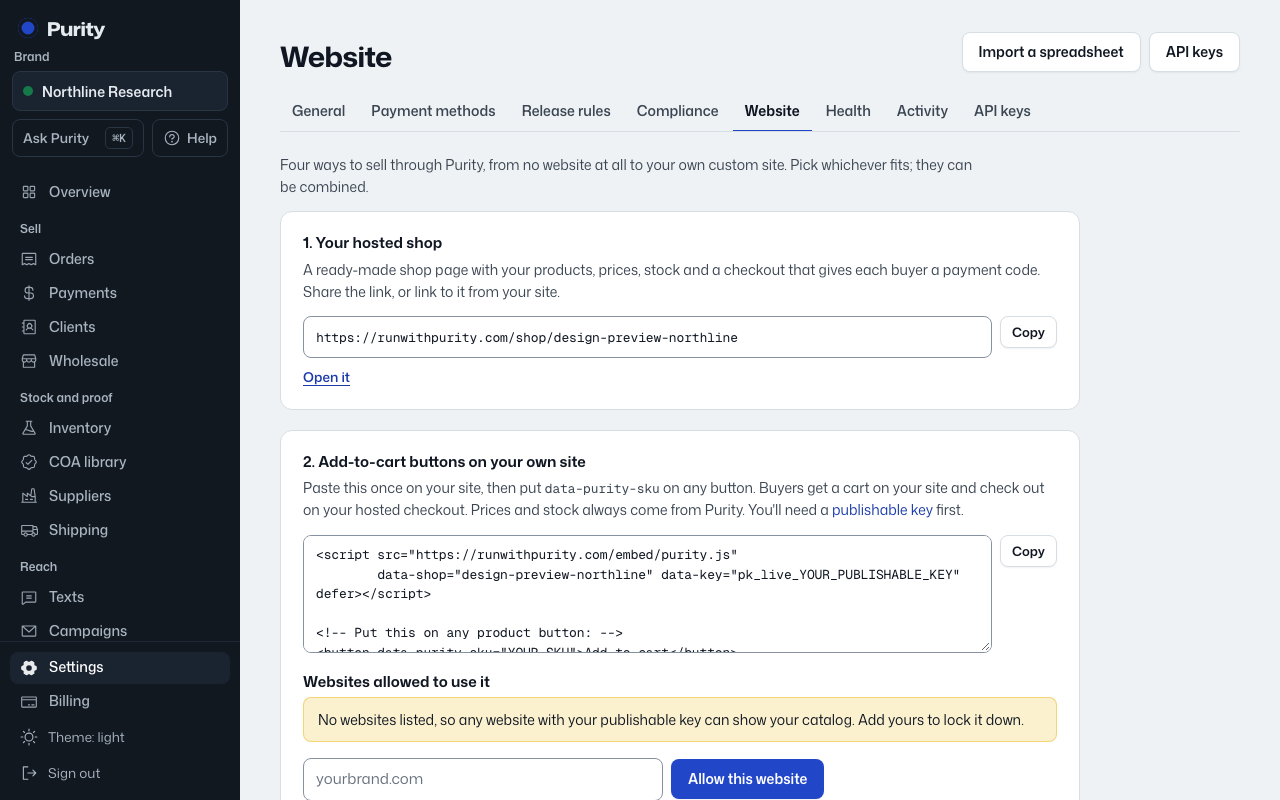
Open Website to connect your site. There are four ways to sell through Purity, and you can combine them.
- Hosted shop: a ready-made page with your products, prices, stock and checkout. Copy the link under "1. Your hosted shop" and share it, or link to it from your own site.
- Add-to-cart buttons: paste the snippet under "2. Add-to-cart buttons on your own site" once on your site, then add "data-purity-sku" to any button so it adds that product to a Purity cart.
- WooCommerce: install the plugin under "3. WooCommerce" if you already sell there. It sends every WooCommerce order to Purity and keeps stock matched, every hour.
- Webhooks: for a custom system, have Purity send order events to your own server; see "4. Webhooks, for custom systems."
For the add-to-cart snippet you'll need a publishable key first; get one from API Keys.