When a buyer checks out on your website, Purity sets their items aside right away so nobody else can buy the same units.
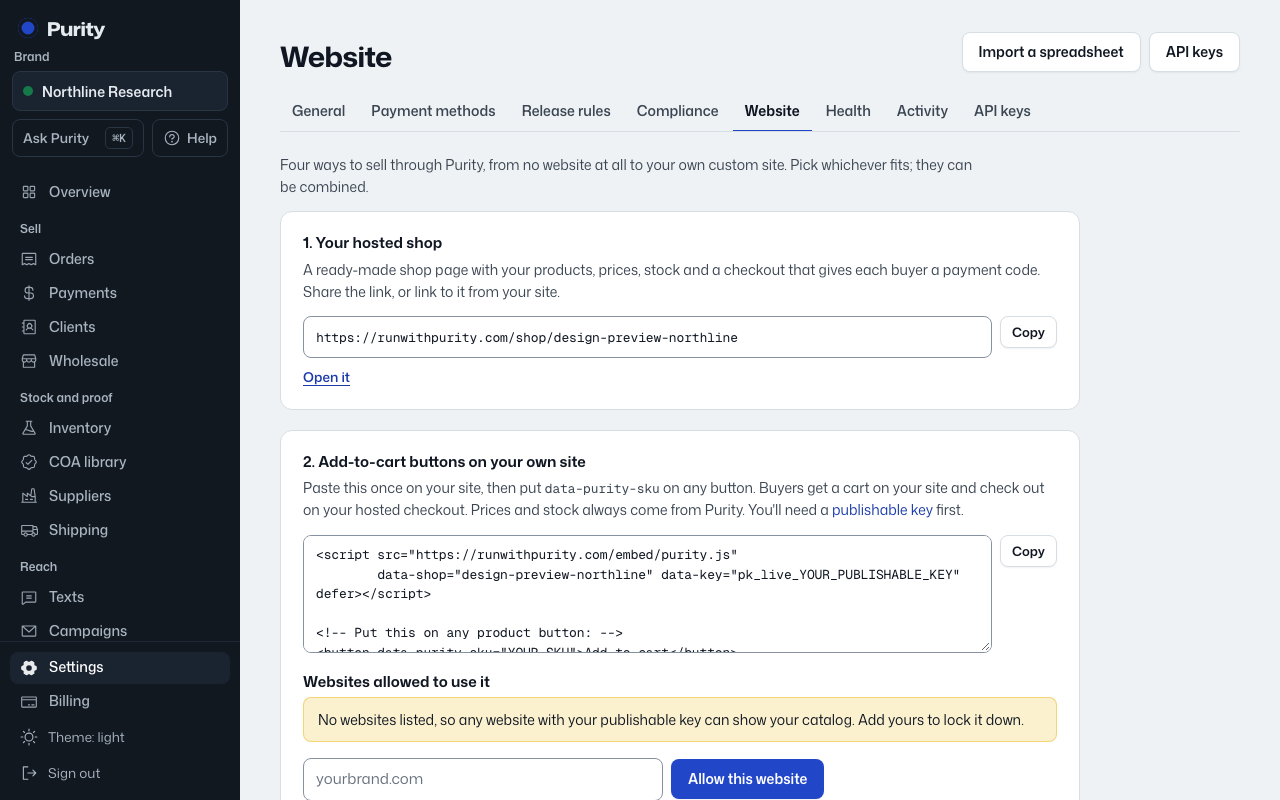
- Open Website and find "Unpaid website orders".
- Set "Hold the stock for" in hours. 48 suits most brands; anything from 1 to 720 works.
- Click "Save".
If the order is still unpaid when the time runs out, its items go back on sale. The order stays in Purity and shows in Needs you, so you can chase the payment or cancel it.
If they pay later, Purity sets the items aside again. If those units sold in the meantime, the order is flagged as sold more than you have, and shows as Blocked in Needs you.
Orders you enter by hand, wholesale orders and orders that come in from WooCommerce never expire this way. A fully refunded order gives its units back on its own.