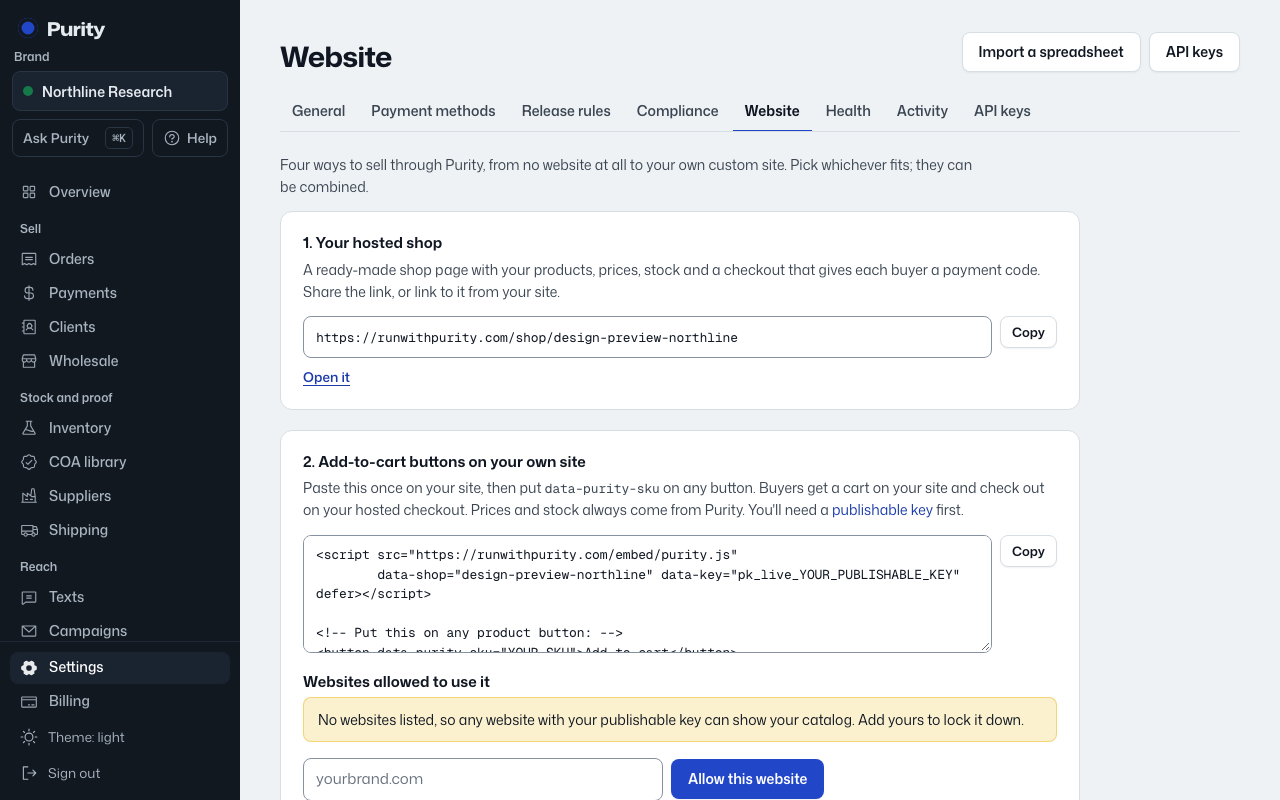
Point your Wix buttons at your Purity shop: each button opens your Purity shop with that product already in the cart, and the buyer checks out there. Wix's Embed HTML runs in a separate frame, so Purity's add-to-cart code can't run inside Wix pages; links work on every Wix plan.
Open Website, choose Wix under "Where do you sell today?", then follow these steps:
- Copy your shop link. The Website page has this ready to copy.
- For each product: in the Wix Editor click the product's button, click the Link icon, choose Web Address, paste your shop link, add ?add= and the product's SKU in Purity to the end (for example ?add=BPC-10), choose to open it in the current window, and click Done. The Website page has this ready to copy.
- Publish your site and click one of the buttons. Your Purity shop opens with that product in the cart.
Connected looks like: Clicking a button on your Wix site opens your Purity shop with the product in the cart.
Stock: your Purity shop always shows live stock and takes stock off the moment an order is placed, and sold-out products follow your choice below. Wix's own store inventory is not updated; sell these products only through the Purity links.
Check the platform's rules on what can be sold before you build on it. Their rules: https://www.wix.com/about/terms-of-use