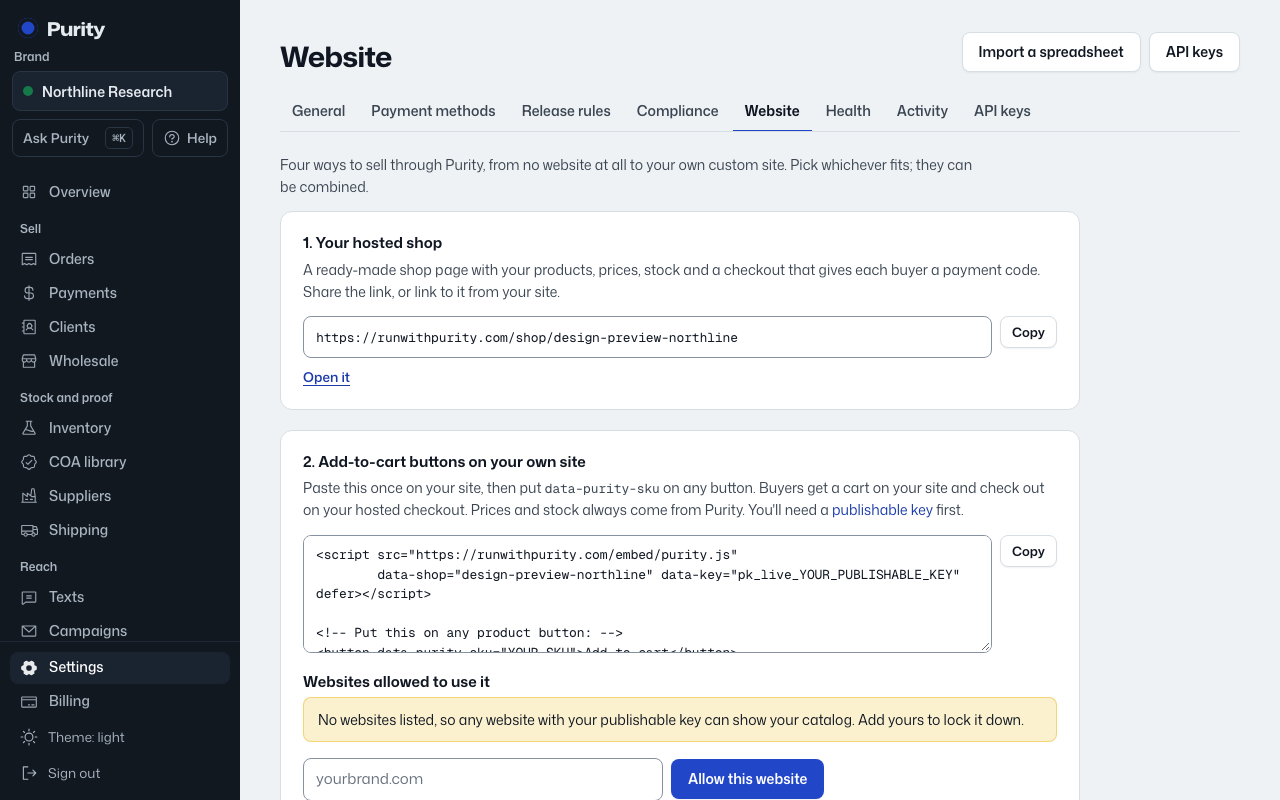
If you already sell on WooCommerce, a plugin keeps orders and stock in step with Purity without moving your store.
- Open Website and, under "3. WooCommerce," download the plugin.
- Upload it to "wp-content/plugins/purity-sync/" on your WordPress site and activate it.
- Create a secret key on API Keys and paste it into WooCommerce under Settings, Purity.
- Make sure your WooCommerce SKUs match the SKUs in Purity. If products aren't in Purity yet, import them first.
Once connected, every WooCommerce order (with its payment status) is sent to Purity, and WooCommerce stock is kept matched to your batches here, every hour.