Link to your Purity shop from your Ecwid site: each link opens your Purity shop with that product in the cart, and the buyer checks out there. There is no Purity app for Ecwid, so Ecwid's own catalog and checkout are not connected.
Open Website, choose Ecwid under "Where do you sell today?", then follow these steps:
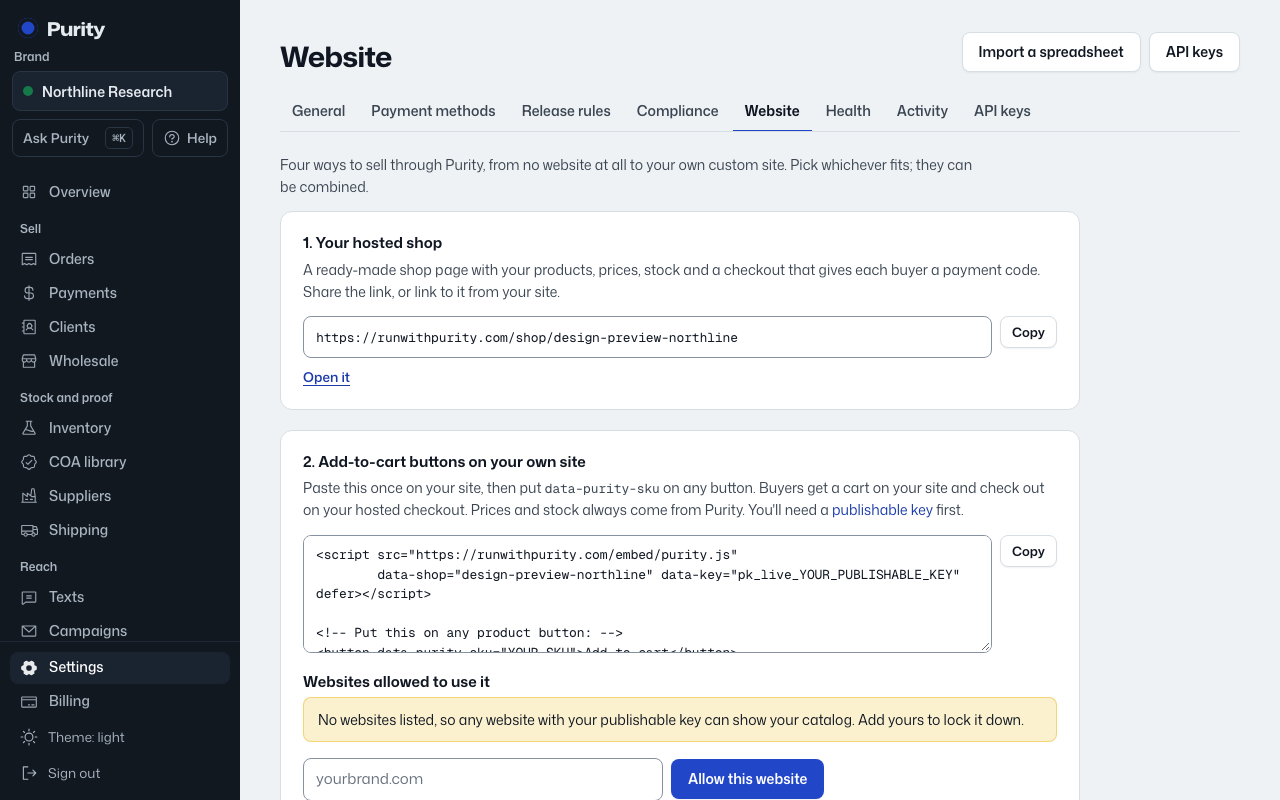
- Copy your shop link. The Website page has this ready to copy.
- For each product, make a link or button that goes to your shop link with ?add= and the product's SKU in Purity on the end (for example ?add=BPC-10). On an Ecwid Instant Site: Website > Edit site, then add or edit a section with a button and paste the link. The Website page has this ready to copy.
- Publish and click one of the links. Your Purity shop opens with that product in the cart.
Connected looks like: Clicking a link on your Ecwid site opens your Purity shop with the product in the cart.
Stock: your Purity shop always shows live stock and takes stock off the moment an order is placed. Ecwid's own inventory can't be updated without an Ecwid app, and there is no Purity app for Ecwid.