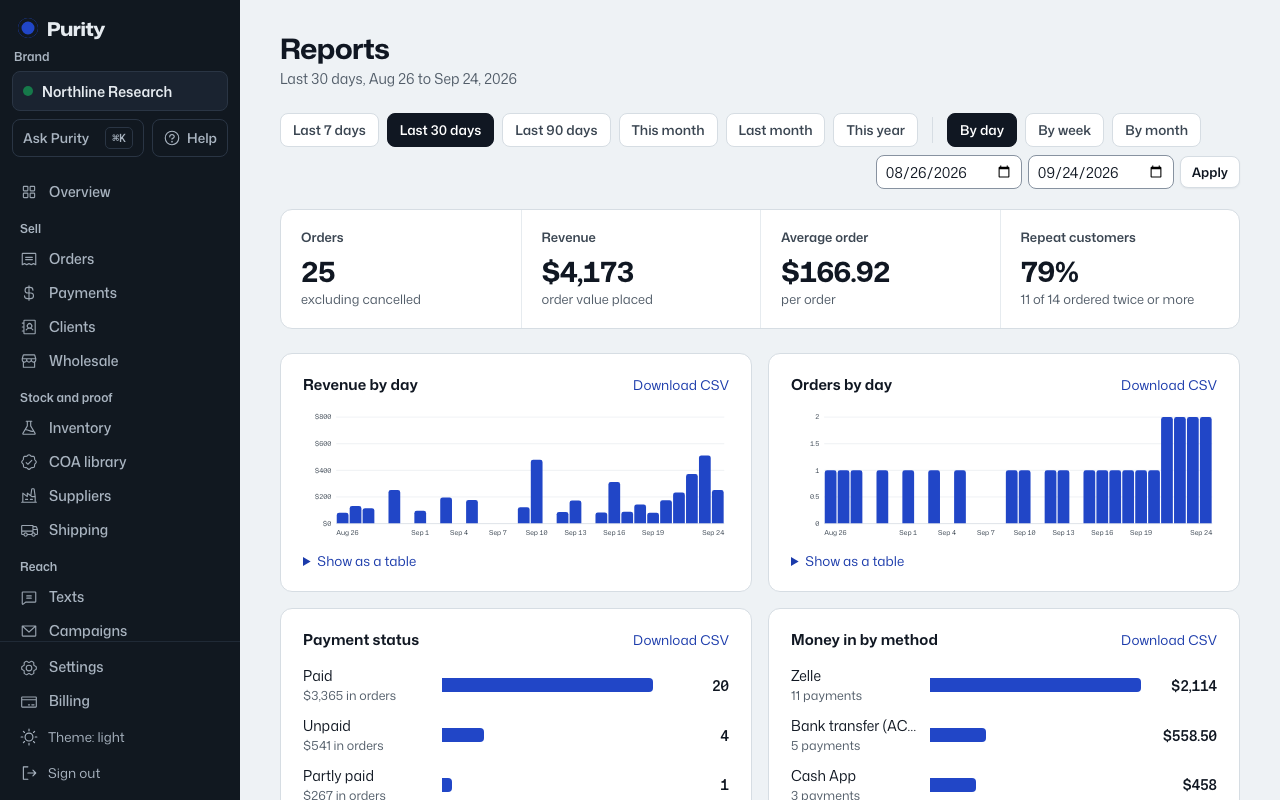
Each section on Reports, Revenue, Orders, Payment status, Money in by method, Where orders came from, Top products, Top customers, Inventory, and Batches by release status, has its own "Download CSV" link in its heading.
The export uses whatever date range and grouping you currently have selected, and downloads just that report.