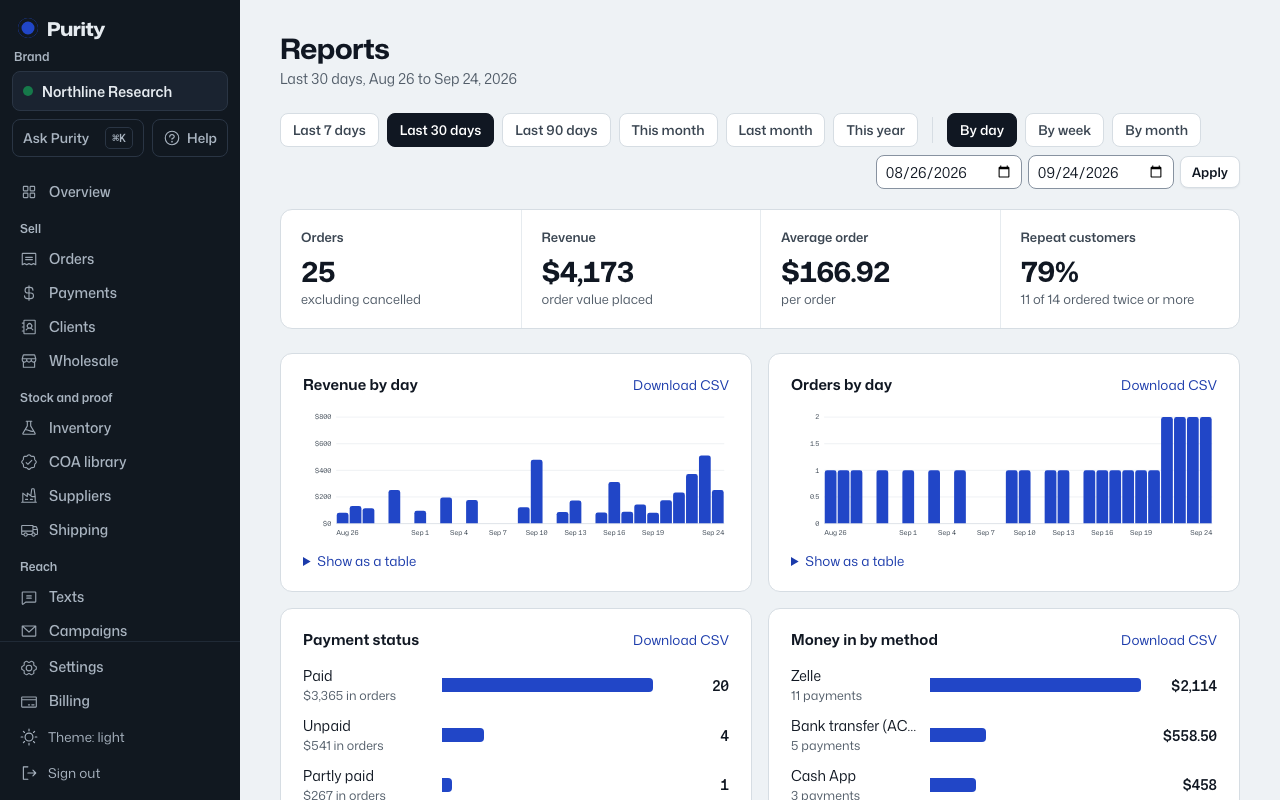
The Inventory table on Reports shows, per product: units on hand, units Sellable, meaning in released batches only, value at cost, units sold in the range, sell-through percent, and days of stock left.
Days left is based on the average sales rate over the selected date range, so a shorter range reacts faster to a recent sales spike or lull. It shows "no sales" if nothing sold in the range.
The total at the top of that section is the value of everything on hand, at cost.
Batches by release status counts batches, and their units, as Released, Quarantine, or On hold.