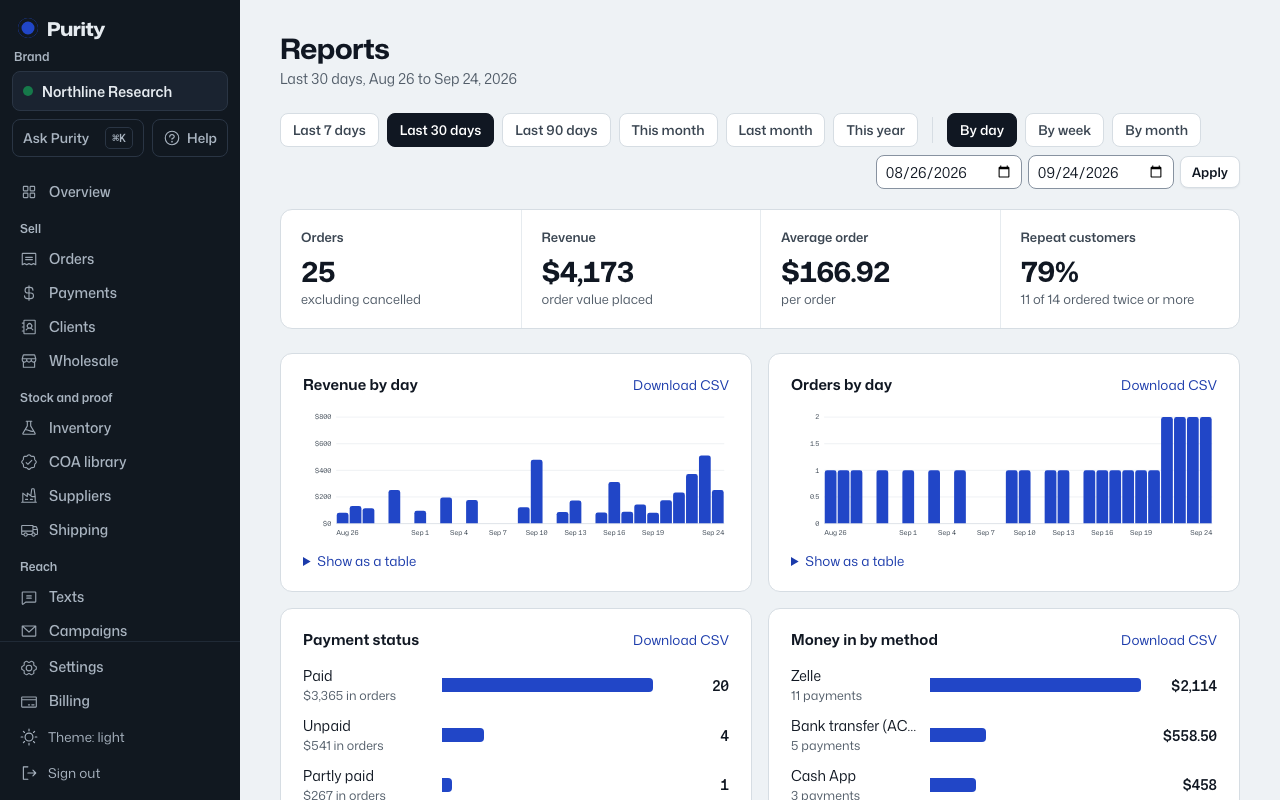
Open Reports. The range chips across the top are Last 7 days, Last 30 days, Last 90 days, This month, Last month, and This year.
For a specific window, pick dates in the "From" and "To" boxes and click "Apply".
Use "By day", "By week" or "By month" to change how the Revenue and Orders charts are grouped. Purity picks one automatically based on the range length if you do not choose.
Every chart has a "Show as a table" link underneath if you want the exact numbers instead of the bars.