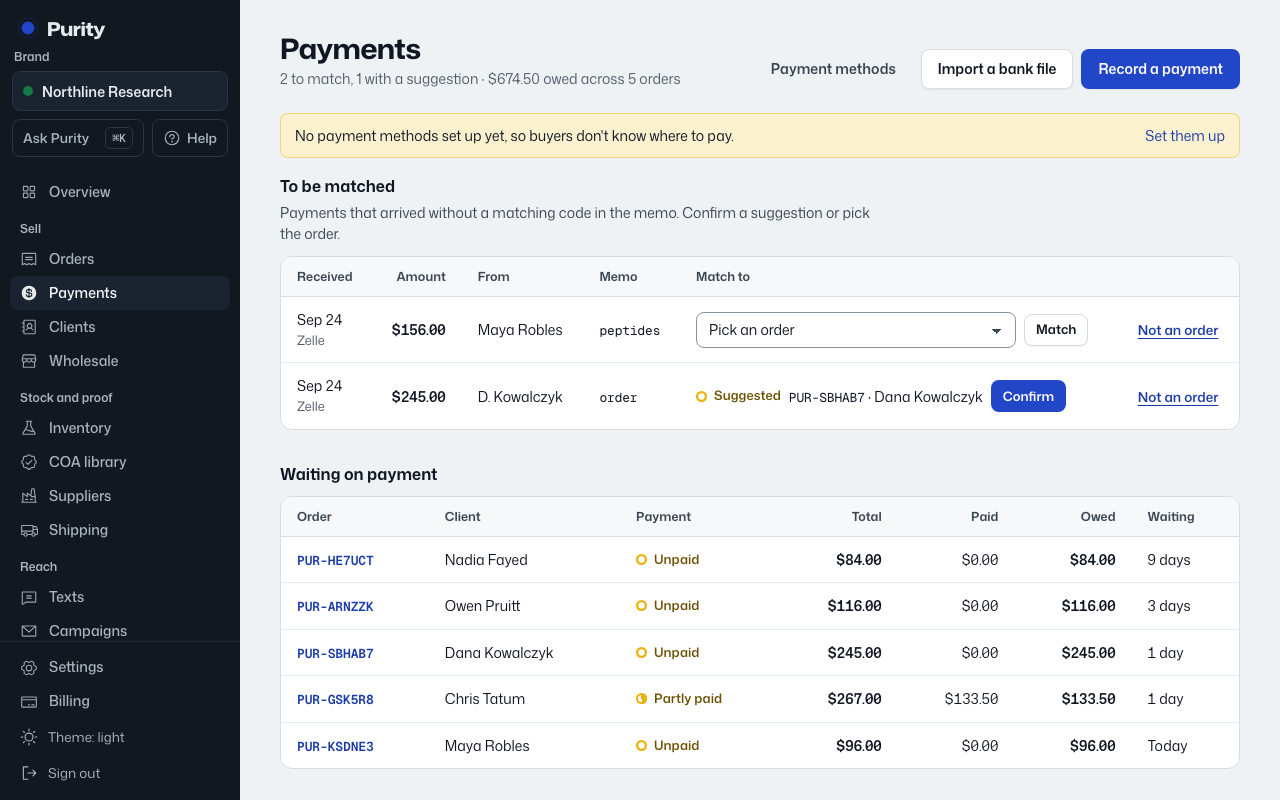
Download a statement or activity export as a CSV, then bring it in here instead of recording each payment by hand.
- Open Import a bank file.
- Choose the CSV file.
- Match each column to Date, Amount, Who paid, Memo and Reference.
- Pick how these payments came in, such as Zelle or ACH.
- Check the preview, then click "Import".
Money going out is left alone; only money in is imported. Each payment matches its order the same way a hand-recorded one does, by the payment code in the memo. Importing the same file twice is safe, since anything already recorded is skipped.