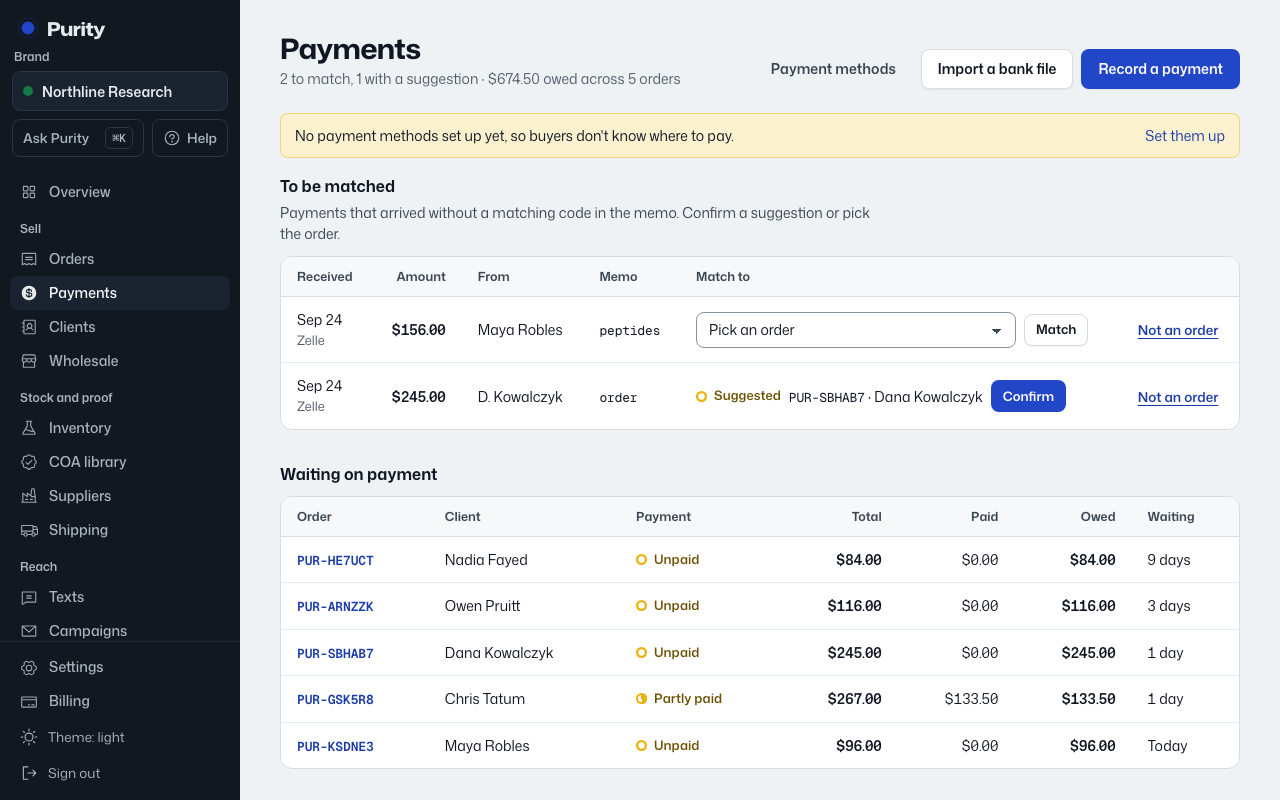
Use this for a payment that arrived outside Purity, such as Zelle, a wire or crypto.
- Open Payments and go to "Record a payment", or open the order and click "Record a payment".
- Enter the amount received.
- Pick how it was paid.
- Enter the payer name, date received, and a memo.
- Add a bank or transaction reference if you have one, so the same payment can’t be recorded twice.
- Click "Record payment".
If the memo has the order’s payment code in it, Purity matches it to that order by itself. Otherwise it may suggest a match, or wait in "To be matched".