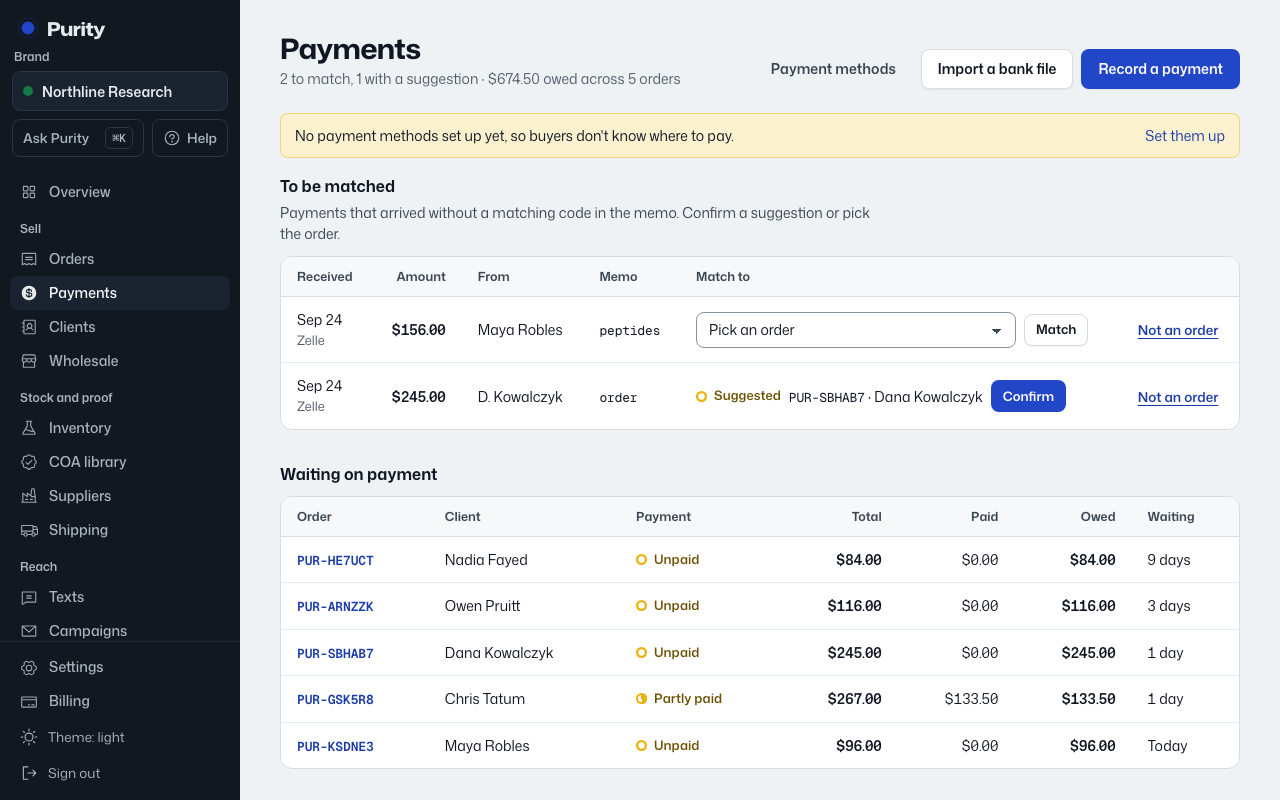
A payment matches its order by itself when its memo has the order’s payment code. Everything else waits under "To be matched".
- Open Payments.
- If a row shows "Suggested" with an order already picked, check it, then click "Confirm".
- Otherwise, pick the order from the dropdown and click "Match".
- If the payment is not for any order, such as a transfer between your own accounts, click "Not an order".
A confirmed or matched payment updates that order’s Payment status right away.