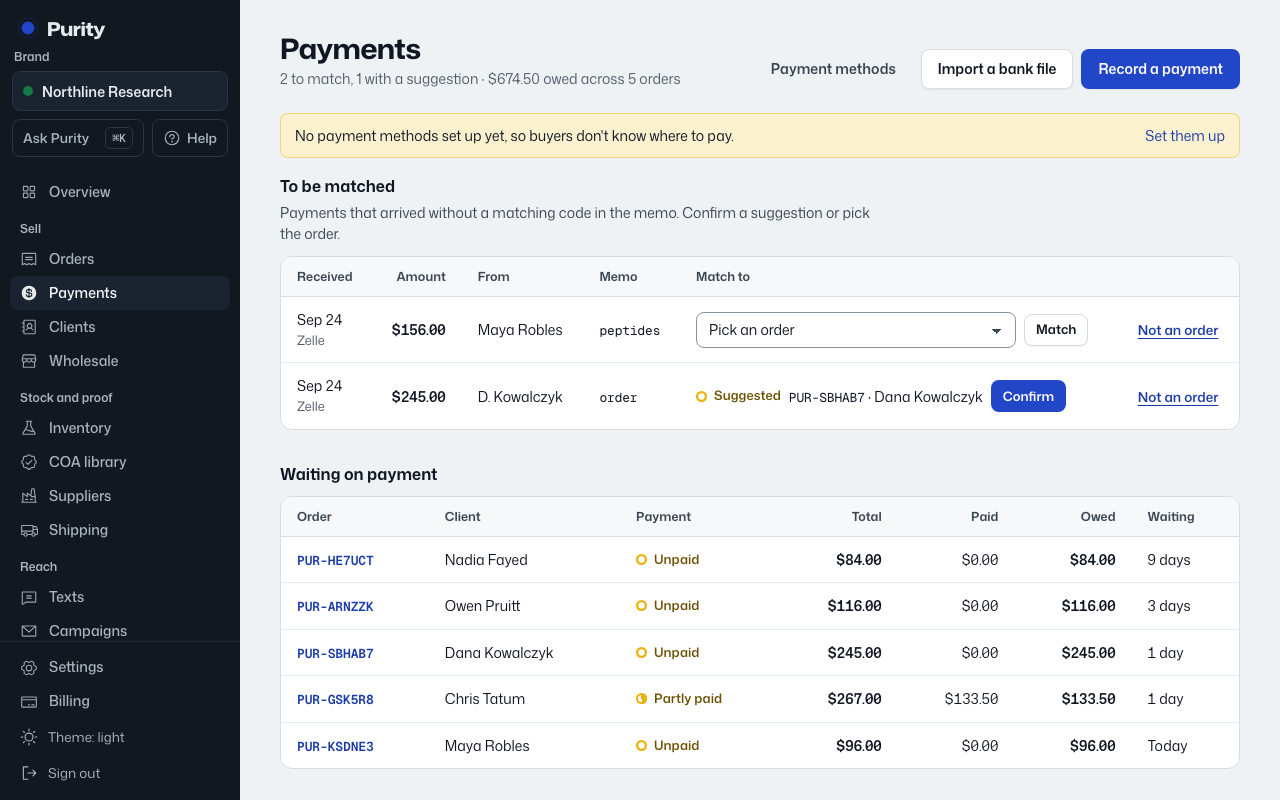
Buyers see every method you turn on, alongside their order’s payment code, so a payment can match itself.
- Open Payment methods.
- Under "Add a payment method", pick a method, such as Zelle, Venmo or a bank transfer.
- Enter the name customers see it as, and where to send it, such as its email, handle or account details.
- Add a fee percentage if the method charges you one.
- Click "Add payment method".
- Turn a method off with "Turn off" without deleting it, or take it off your list with "Remove".
- For crypto, also pick the network, so nobody sends coins on the wrong chain.
Some apps, including PayPal and Venmo, have rules about what can be sold through them. Check their terms before you switch one on.