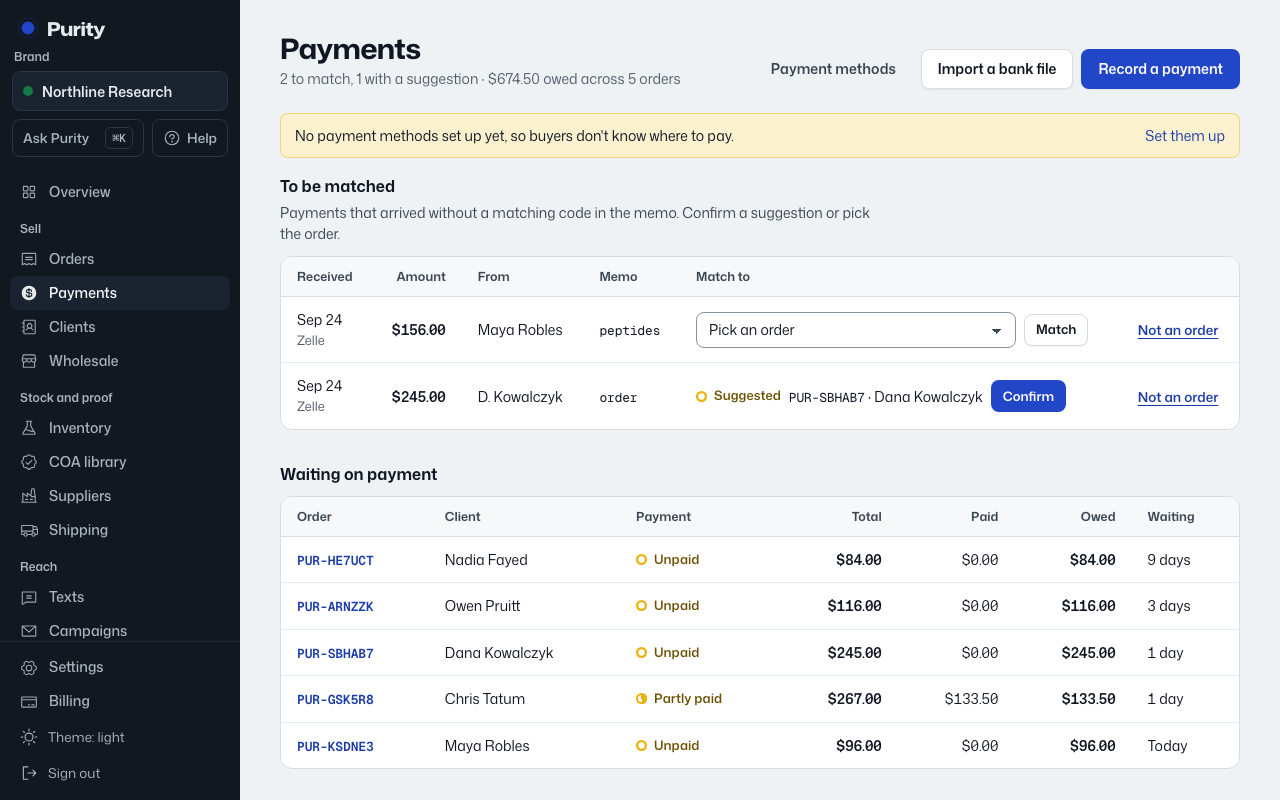
Instead of typing in every Zelle or PayPal alert by hand, forward those emails and let Purity read them.
- Open Payment methods and find "Payments that record themselves".
- Click "Create my forwarding address" if you don’t have one yet.
- In your email, add a rule that forwards "you received money" alerts from your bank, PayPal, Venmo or Cash App to that address.
Each one is recorded and matched to its order by the payment code in the memo. Anything Purity can’t read is kept in the list below for you to look at, never guessed. Replacing the address with "Replace address" stops the old one immediately.