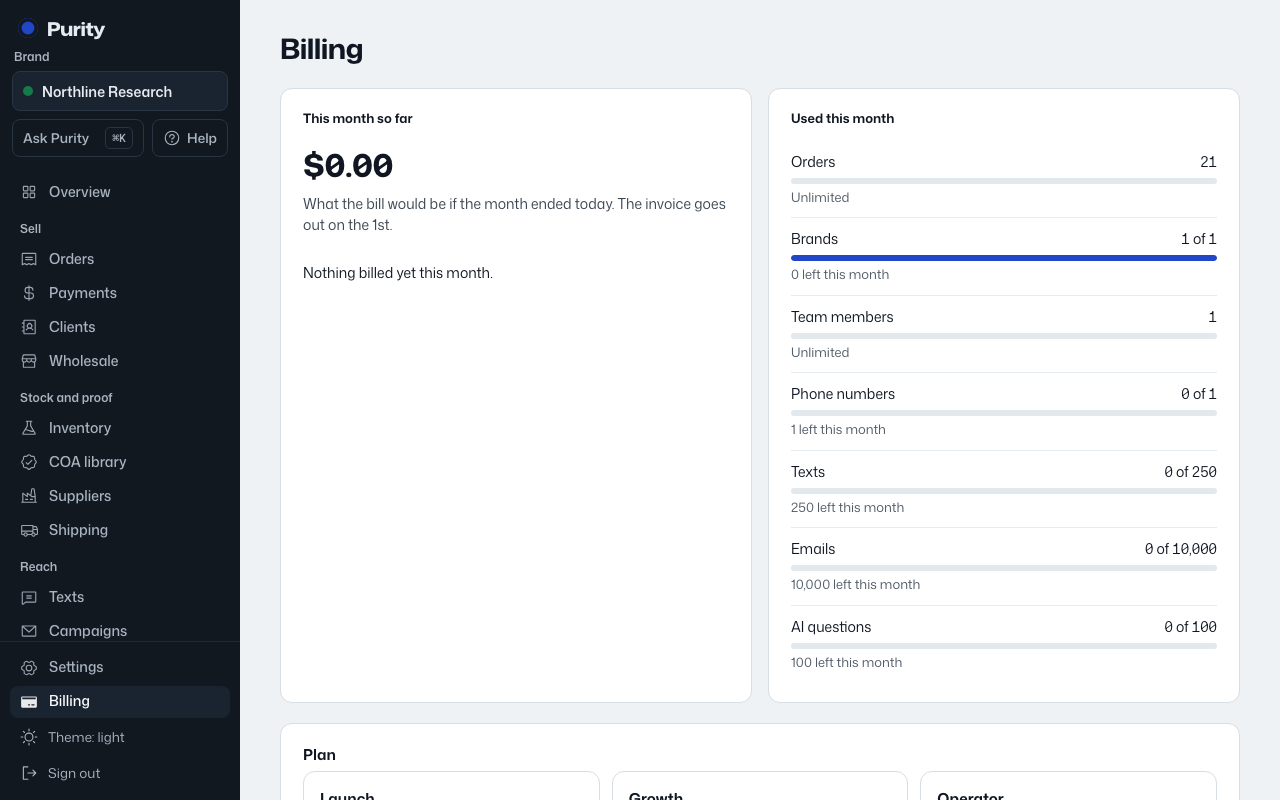
- Open Billing and click an invoice number under "Invoices" to open it.
- The invoice lists every line item and the total.
- If it's unpaid, "How to pay" shows the payment details and, if there is one, a memo to include so your payment is matched to this invoice.
A paid invoice shows when it was paid, and a reference if one was recorded. A void invoice means nothing is owed on it.