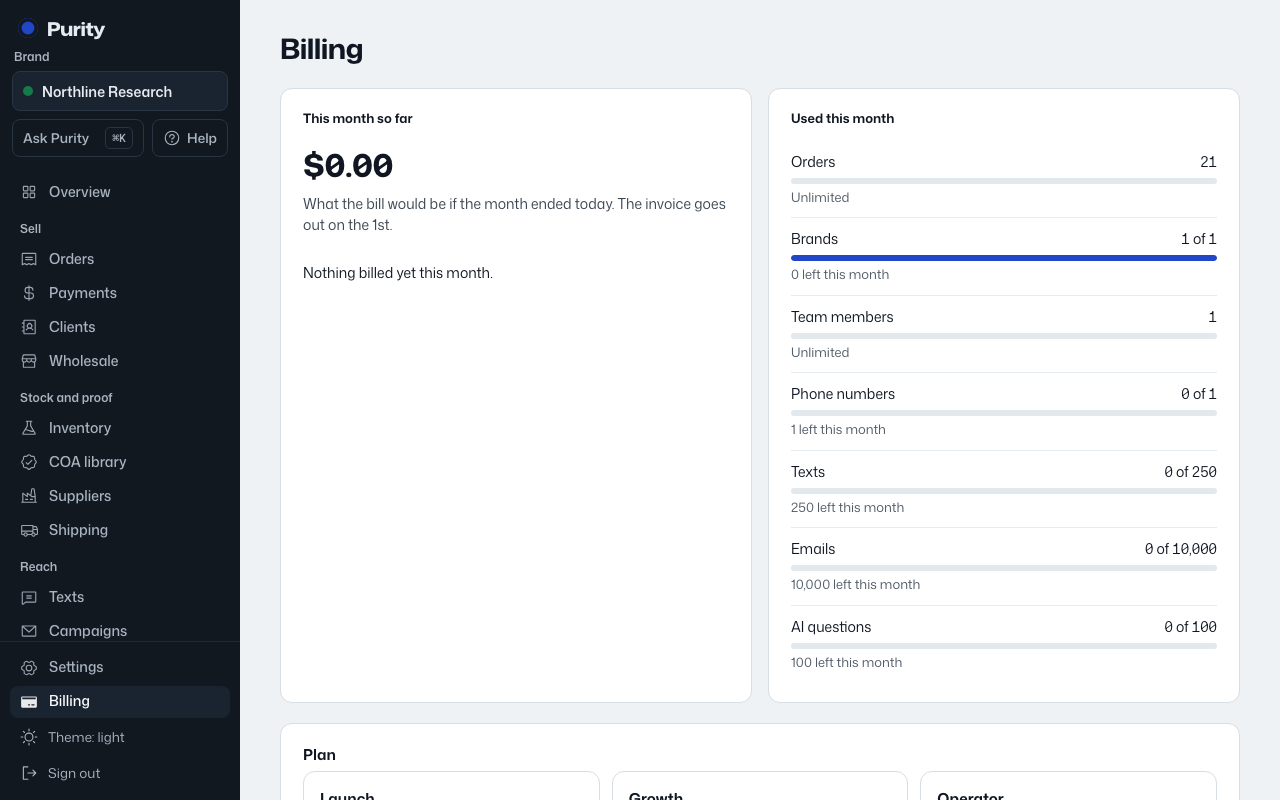
Open Billing and find "Add-ons and billing."
- AI assistant: 1,000 questions a month for a flat monthly fee (already included on some plans).
- Wholesale portal on your own web address, for a flat monthly fee.
- Extra brands and extra team members beyond what your plan includes, priced per month each.
- Yearly billing, which gives you some months free compared to paying monthly.
- Check or set the add-ons you want, and the count for extra brands or team members.
- Choose "Monthly" or "Yearly" billing.
- Set where invoices go under "Send invoices to" (defaults to the owner's email if left blank).
- Click "Save".
Changes show up on your next invoice.