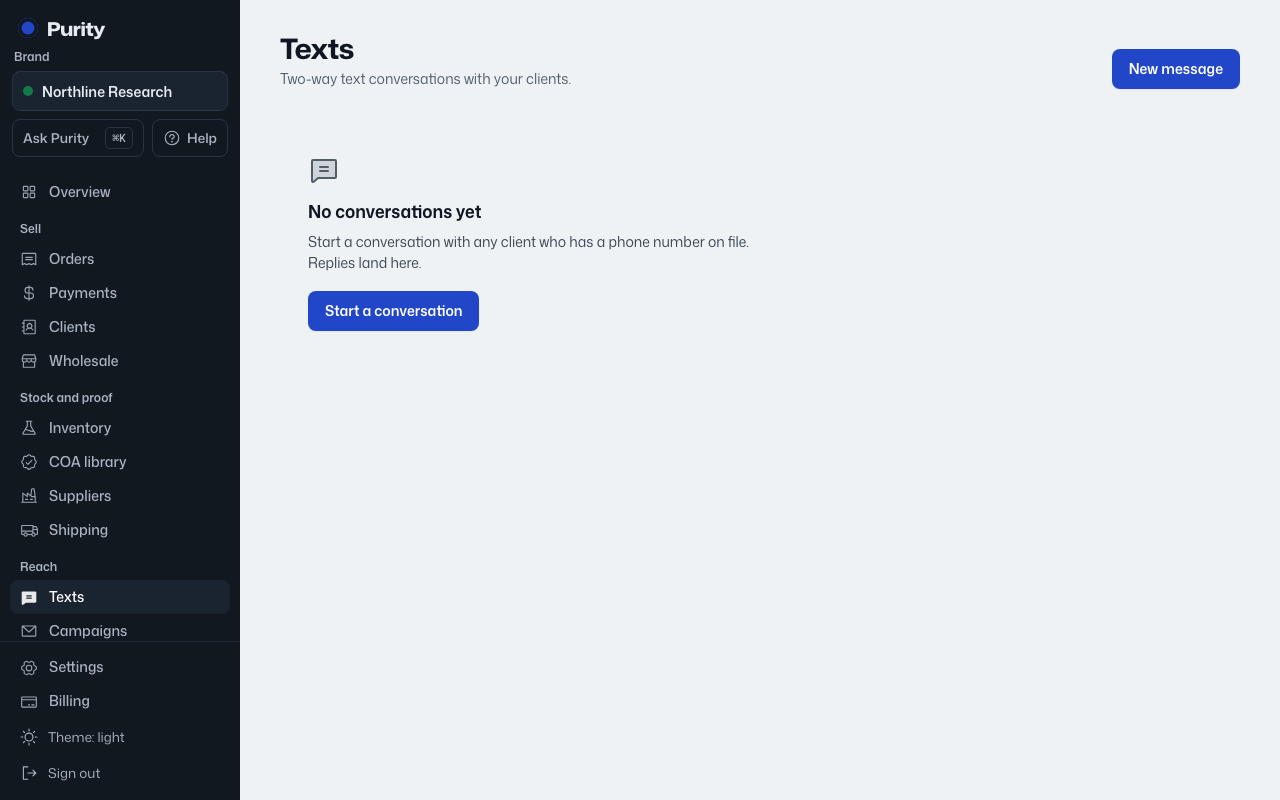
Texts are two-way. Once you start a thread, the client can reply and you will see it in the same conversation.
- Open Texts and click "New message".
- Pick a client from the list. Only clients with a phone number on file show up.
- Click "Open thread".
- Write your first message and click "Send".
If a thread with that number already exists, Purity opens it instead of starting a new one.