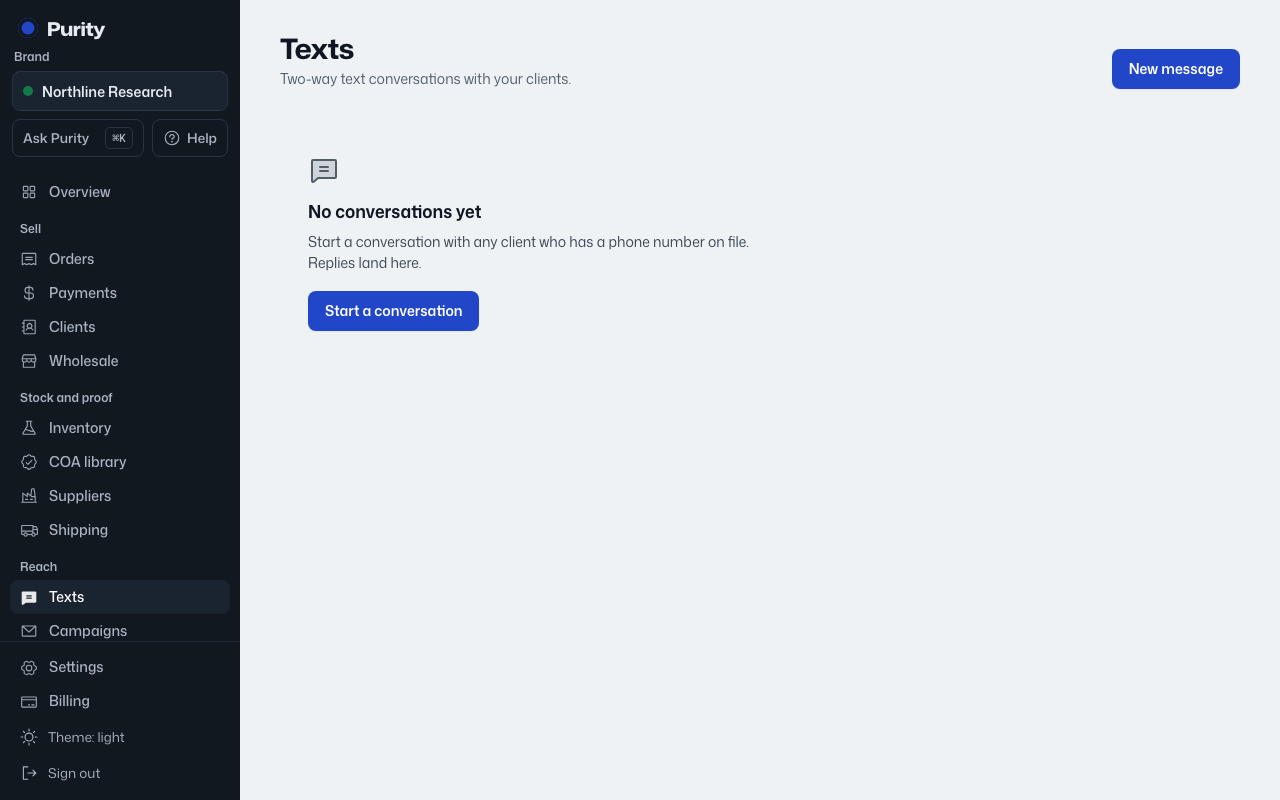
Texting runs on your own Telnyx account, one number per brand.
- Open Settings.
- Under "Texting", enter your texting number and your Telnyx API key.
- Click "Save texting".
A client also needs a phone number on file before you can start a conversation with them; only clients with a phone number appear in the New message list.
Only an owner or admin can change the Telnyx number or key. The key is stored where no one can read it back, only replace it.