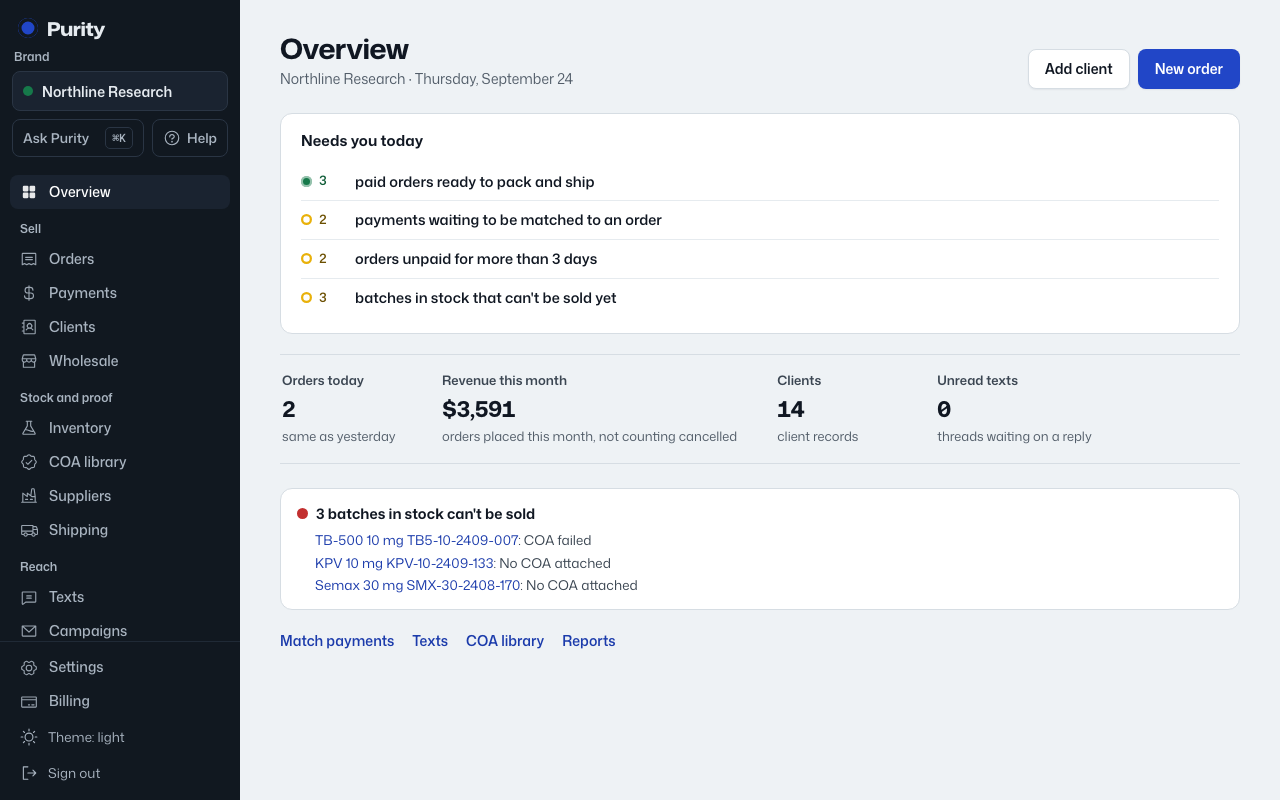
- Open Needs you rules, or click "Rules" next to Needs you on the Overview.
- Change any number. Each shows its default under it.
- Click "Save rules". The Overview uses the new numbers right away.
| Rule | Default |
|---|---|
| Ship paid orders within | 24 hours |
| Chase unpaid orders after (when the order has no due date) | 3 days |
| Match received payments within | 24 hours |
| Price wholesale quotes within | 24 hours |
| Release batches from quarantine within | 10 days |
| Warn before a lab report expires | 30 days |
| A reorder takes about | 21 days; products are flagged when they would run out within this plus a week |
| Flag a shipment with no carrier update after | 3 days |
Paid orders that cannot ship are always shown, whatever the rules say. Only owners and admins can change the rules.